Home Dialogue text to speech

A: and B: two voices, one audio file, one .srt

Dialogue text to speech: two voices, one generation.

Dialogue text to speech in Titro starts from a script written as a conversation. Begin each line with A: or B:, choose one voice for A and another for B, and a single generation reads the whole exchange in order, with a short pause between the speakers. You download one MP3 or WAV file and an .srt in which every line is marked with the person speaking.

From €4.99/month
Or work on the web →

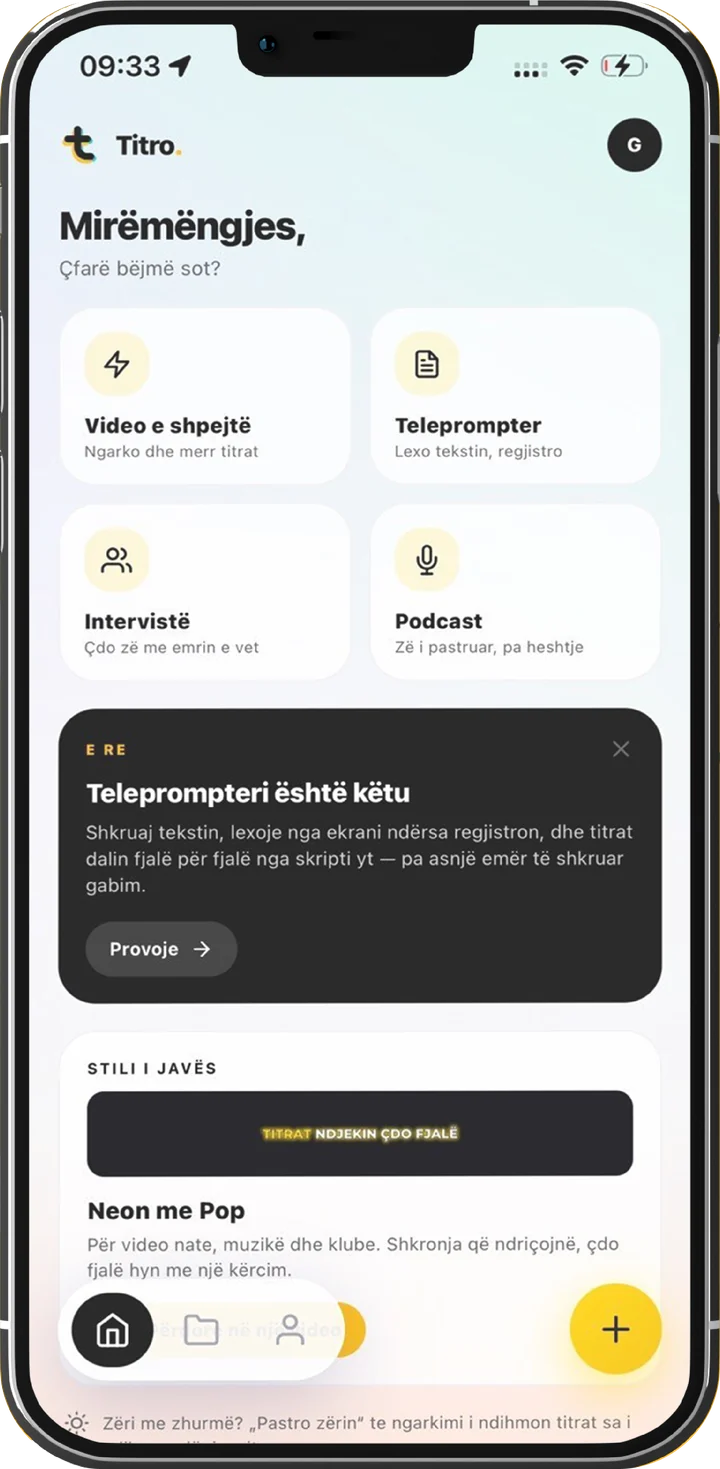
Dialogue text to speech in Titro: the home screen with the AI voice card
why

Where a two-voice script works better than one.

01 Explainers told as a conversation

A question and an answer hold attention better than a monologue. One voice asks what the viewer is wondering, the other explains. It suits product demos, an FAQ turned into a video and short lessons.

02 Language practice

Most language courses teach with dialogues. Write a short scene at a café or a doctor’s office, hear it in English, German, Italian or French, and play it at 0.8× while you read along in the .srt.

03 Skits and two-person ads

A two-person ad or a short sketch without booking two speakers. Change a line and generate it again: there is no session to rebook and no studio to pay for.

04 Faceless channels and slideshows

Two voices give a slideshow or a faceless channel a rhythm that one narrator cannot. The .srt says who speaks each line, so your subtitles can show it too.

steps

How to make a dialogue with two AI voices.

01

Open AI voice and switch to dialogue

On the app’s Home screen tap the AI voice card, or open the AI voice tile in Titro Studio, and switch to dialogue.

02

Write the script as A: and B:

Start every line with A: or B: and then what that person says. A line without a letter belongs to the turn above it. Keep the turns short, the way people talk.

03

Pick two voices

Choose the language, then a voice for A and a different one for B. Play the samples, and preview the first turn for free.

04

Generate once and download

One generation reads every turn in order, with a pause between the speakers. Download the MP3 or WAV and the .srt with the speakers marked.

in practice

Writing dialogue for AI voices, in practice.

A script that sounds like two people

Here is the shape that works:
A: So what does the app actually do?
B: You upload a video, and the subtitles come back timed to every word.
A: And if it gets a name wrong?
B: You tap the word and type it the right way.
Short turns, everyday words, and a question that moves the conversation on. Read it aloud once before you generate: if a line feels like a speech when you say it, split it in two.

Pauses and timing

Titro leaves a short silence between turns, so the exchange breathes without dead air. Inside a turn, commas and full stops set the pauses, as they do with a single voice. If one speaker sounds rushed, give that line two sentences instead of slowing the whole dialogue down. Speed is set once for the dialogue, between 0.8× and 1.2×.

The subtitles know who is speaking

The .srt that comes with the audio is timed to the voices, and each line names its speaker, the way a broadcast transcript does. Load it next to the video on YouTube or into your editor. When you film two real people instead, Titro does the same for the recording, as described in subtitles for two speakers.

Limits worth knowing

Both voices speak the same language within one dialogue, and the mode is built for two speakers, A and B. The whole script is up to 5,000 characters, like any generation, and up to 30 turns; a longer conversation goes in two parts. There is no voice cloning and no Turkish voice, and Albanian is in beta. The result is an audio file: placing it inside a video in Titro’s editor is not open to everyone yet.

What it costs

A preview of the first turn is free, with 20 previews a day. The whole dialogue is one generation and uses minutes from your account by its length: a two-minute conversation uses two minutes. Creator is €4.99 a month for 300 minutes. For a single narrator, see the AI voice generator page.


questions

What you should know.

How do I write a dialogue for text to speech?

Start each line with A: or B: followed by what that person says. Pick a voice for A and a voice for B, then generate.

Do I need one generation per voice?

No. One generation reads the whole dialogue in both voices, in order, with pauses between the turns.

Can the two voices speak different languages?

No. A dialogue is in one language. English, German, Italian and French have four voices each, and Albanian is in beta.

Does the .srt show who is speaking?

Yes. Each subtitle line is marked with its speaker.

Can I have three or more speakers?

Not in one dialogue. The mode is made for two voices, A and B.

Can one of the voices be mine?

No. Titro does not clone voices. Both speakers use voices from Titro’s list.

Is it free?

A preview of the first turn is free, 20 previews a day. The full dialogue uses minutes from your account.

also

Subtitles for everywhere you post.

Write a two-line dialogue and hear it.

A: and B:, two voices, one generation. The preview of the first turn is free.

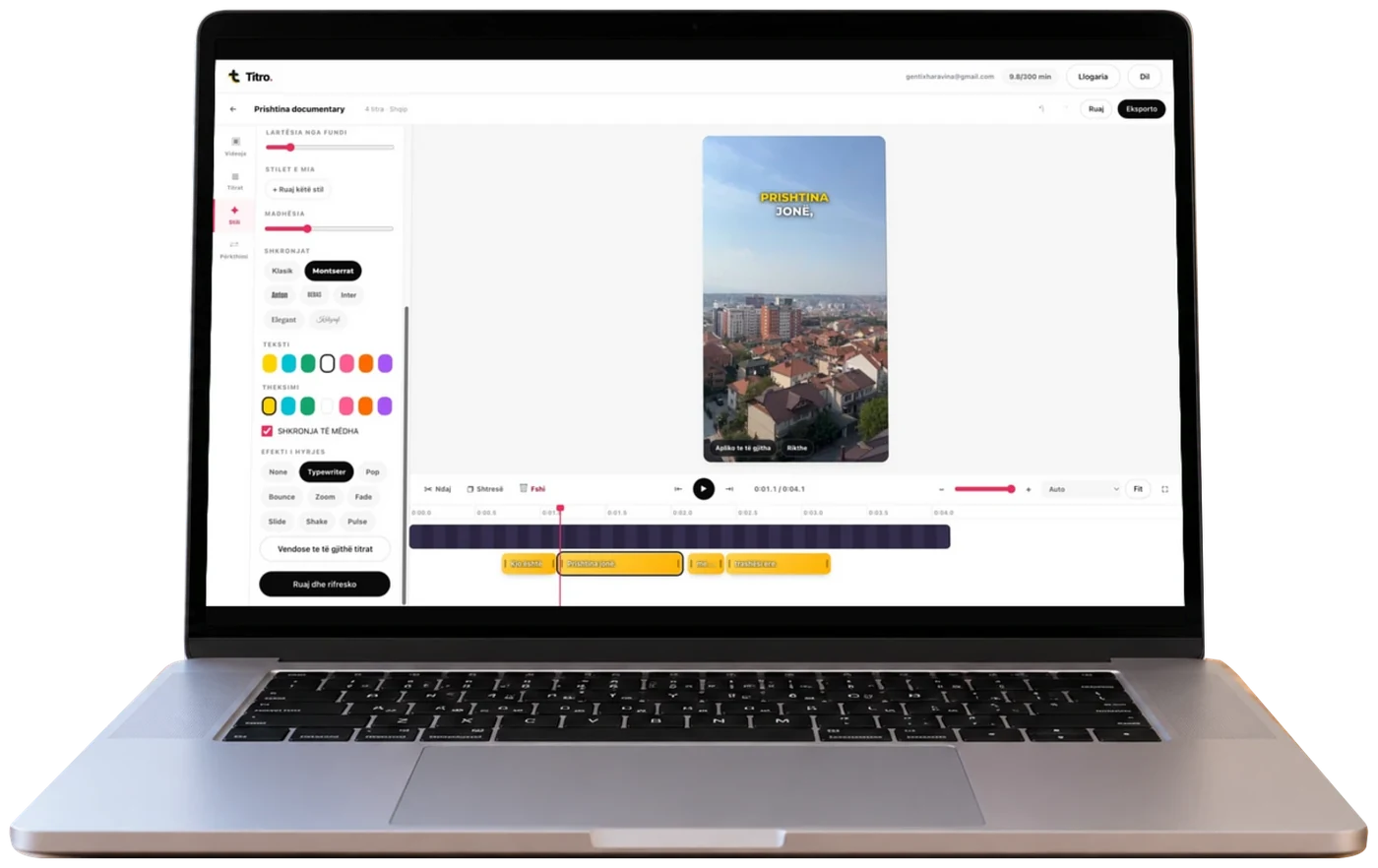
Titro Studio open on a laptop, with subtitles over a video