Home Subtitle a long video

1.5 GB per upload, MP4, MOV, MKV and more

Subtitle a long video, up to three hours.

Subtitling a long video used to mean an afternoon per hour of footage. Titro takes a lecture, a webinar or a recorded event up to 180 minutes in one upload, returns every word with its own timing, and leaves you the part that needs a person: checking the terms.

From €4.99/month
Or work on the web →

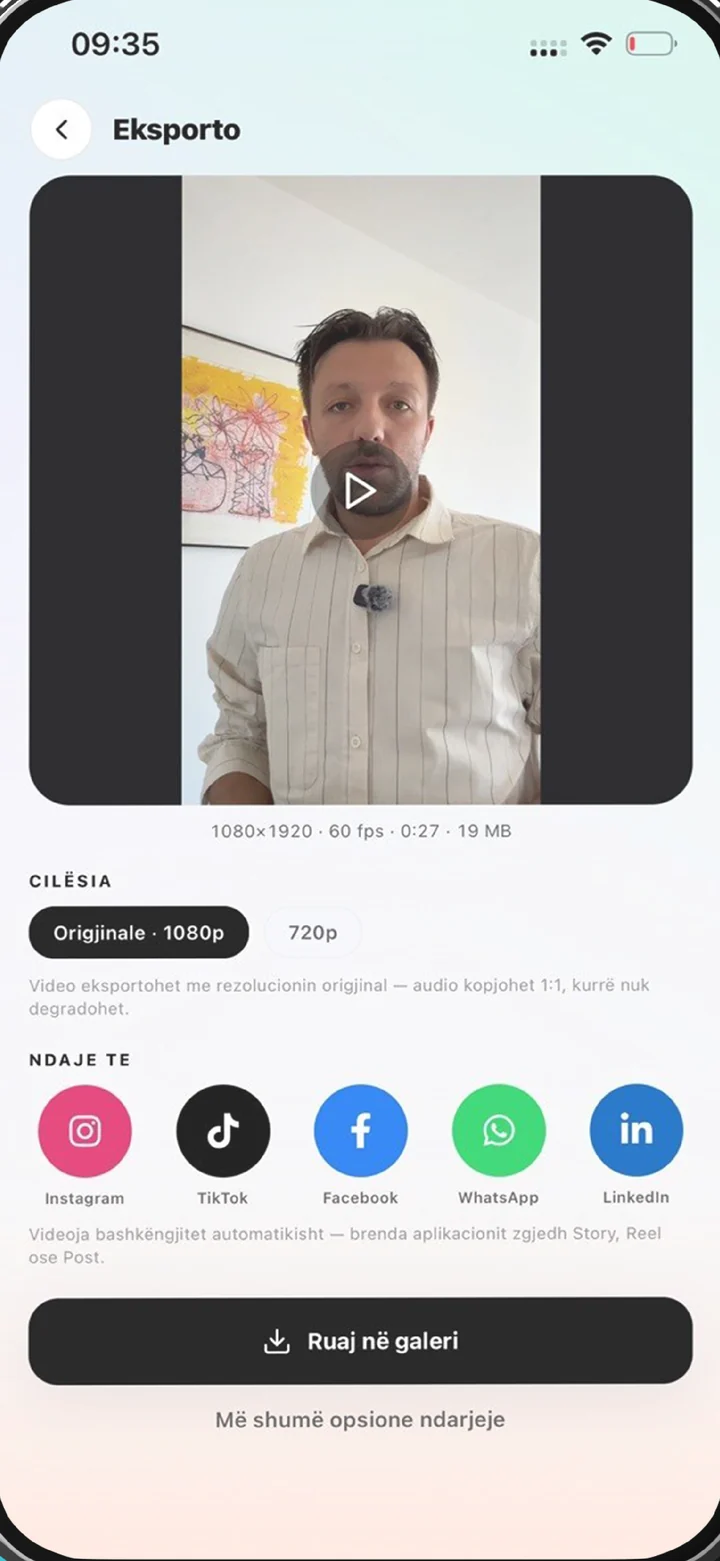
The Titro export screen with original quality selected
why

Why subtitle a long video with Titro.

01 One upload, however long

Up to 60 minutes per video on the Creator plan and 180 on Studio, with files up to 1.5 GB. Lectures, webinars, sermons, council sessions, trainings and recorded events all go in whole.

02 The work happens on our servers

Your laptop is not rendering anything. Upload, close the tab, and Titro notifies you when the transcript is ready. A long file takes longer than the twenty seconds a clip needs, but none of it is your time.

03 Timed to the word, so the file is usable

A long video is also a long search problem. Because every word has its own timestamp, the .srt from Titro Studio doubles as a transcript you can search, quote and hand to someone who was not there.

04 Fix once, keep forever

Course names, product names and the speaker’s pet phrases come up a hundred times in a long recording. Fix one twice and the personal dictionary spells it right for the rest of the file and the next one.

steps

How to subtitle a long video.

01

Upload in Titro Studio

On the web, where a long timeline is readable. Choose the language or Auto, switch on “more than one voice” for panels and Q&A, and pick audio cleanup for a room mic.

02

Wait for the notification

The transcript comes back with every word timed. Long files take minutes, not hours.

03

Check the terms

Read through on the timeline, fix the words the audio made unclear, split a subtitle that runs too long. The dictionary shortens this every time.

04

Export the whole video or the .srt

Burn the subtitles in at the original resolution, or download the .srt for YouTube, a learning platform or an archive. Cut highlights from the same project for social.

in practice

Long videos, in practice.

How minutes are counted on a long video

A 90-minute lecture uses 90 minutes of the plan, whether you export it once or five times. Translating it uses another 90. Creator has 300 minutes a month, which is three or four long recordings; Studio has 3,000. Minutes reset each month and do not roll over, so a term’s worth of lectures is a Studio job, not a Creator one.

Burned-in or .srt for long-form

For YouTube and learning platforms, upload the .srt: viewers can switch it, search works, and the platform can auto-translate it. For a recording that will be shared as a file, on WhatsApp or a USB stick at an event, burn the subtitles in so they survive. Both come from the same project; the .srt page covers the file.

Panels, Q&A and more than one voice

Switch on “more than one voice” for any recording with a second speaker. Each gets a name and a colour, and audience questions stop being attributed to the presenter. For interview-shaped recordings, see interview subtitles.

Highlights from the long version

The clips are usually the real reason the long video was recorded. Cut them on the same timeline, pick a style, and export each one at the original quality. The words are already timed, so a highlight takes a minute, not a re-upload.

Long videos in more than one language

A lecture in German with Albanian questions, or a church service that moves between both, is transcribed as spoken. Translate the whole file with one click afterwards if a second audience needs it.


questions

What you should know.

What is the maximum length?

180 minutes per video on Studio, 60 on Creator, 3 on the free first video. Files up to 1.5 GB.

Which formats can I upload?

MP4, MOV, M4V, MKV, WebM, AVI and 3GP.

How long does a two-hour video take?

Minutes, not hours. The work runs on our servers and Titro notifies you when it is done.

Can I do it on the phone?

You can, but a long timeline is easier in Titro Studio on a big screen. The account is the same.

Do I get a transcript?

Yes, the .srt from Titro Studio, with timing and speaker names.

Does an hour-long video cost more per minute?

No. Minutes are minutes. A 60-minute video uses 60 of the plan’s minutes.

also

Subtitles for everywhere you post.

Try it on your next video.

Upload it now and see it finished before your coffee’s done.

Titro on a phone, showing the home screen and subtitle tools