Home Interview subtitles
2 voices or more, each with a name and a colour
Interview subtitles have one job most caption tools fail at: making it obvious who is talking. Titro names each voice, keeps a guest who answers in another language in that language, and cuts the clips for social from the same transcript.
From €4.99/month
Or work on the web →
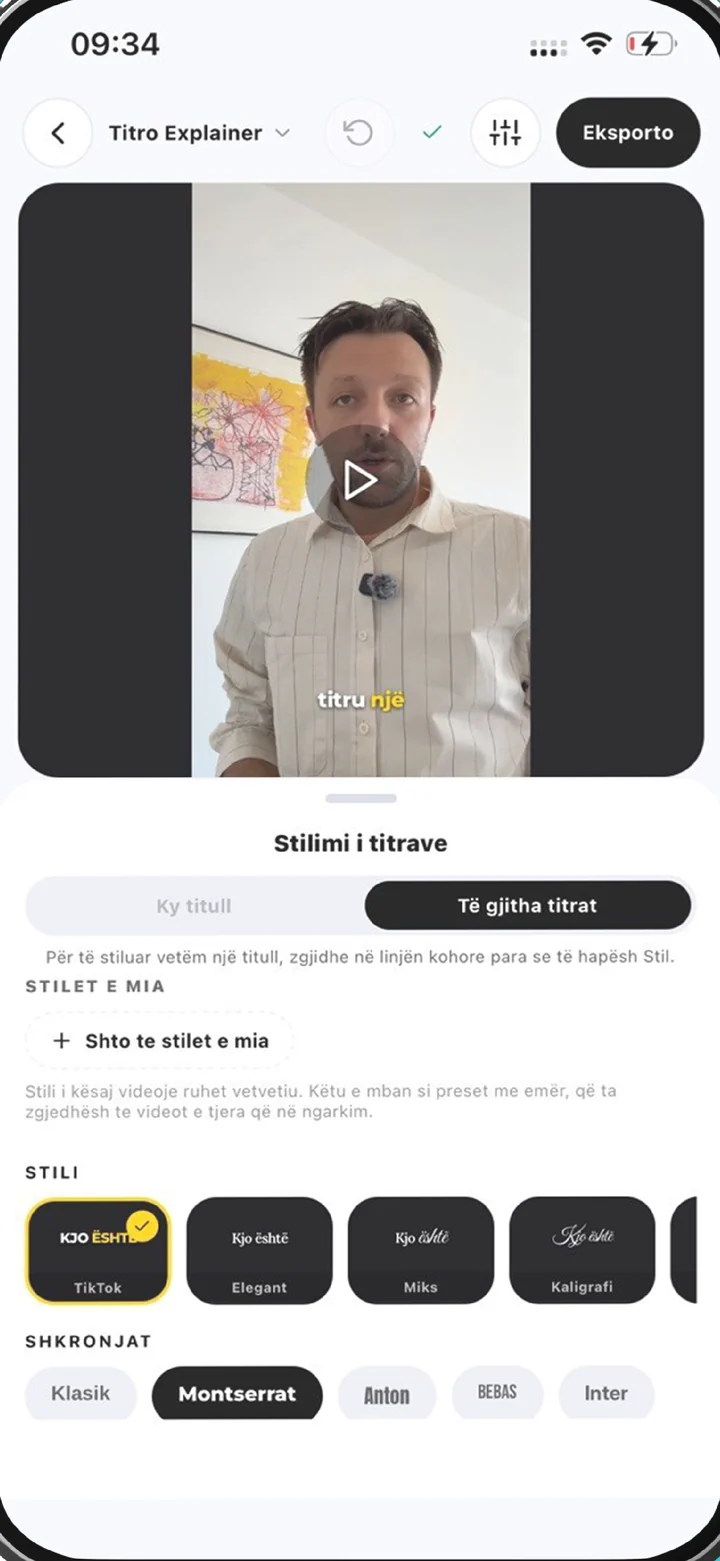
Switch on “more than one voice” and Titro groups the words by speaker. You give each one a name and a colour; the stripe on the timeline, the highlight in the picture and the .srt all carry it.
A host asking in German and a guest answering in Albanian is normal. Titro listens for Albanian, English and German together and keeps each answer in the language it was given, including the sentence that switches halfway.
The silence and filler tool finds dead air and filler sounds in the audio and removes them in one pass. The conversation gets tighter without you scrubbing through it.
A one-hour interview becomes five short clips for Reels, TikTok and Shorts without a second upload. The words are already timed; you cut, pick a style and export each one.
On the phone or in Titro Studio on the web. Turn on “more than one voice” and audio cleanup if the room was noisy. Up to 60 minutes per video on Creator, 180 on Studio.
Longer recordings take longer. Titro sends a notification when it is ready, so you do not have to watch the bar.
Give each voice a name and a colour. Tap a word to correct it; a name you fix twice is remembered for the next interview.
Burn the subtitles in at the original quality, or download the .srt from Titro Studio for YouTube. Then cut the clips from the same project.
In a talking-head clip the viewer knows who is speaking. In an interview they do not, and a subtitle that flips between two people with no marker is read as one confused person. A name and a colour per speaker is the cheapest clarity you can add, and it is on by default once you switch the option on.
Post the conversation twice if the audiences are split: once with the subtitles as spoken, once translated with one click to the other language. The mixed-language guide explains how the recognition decides which language each word is in.
Titro Studio downloads an .srt with the speaker names, which is also a usable transcript for an article, a quote check or a researcher. For plain text from video, the transcribe video to text page shows the shorter route.
A video podcast is an interview with a schedule. Episode-length handling, minutes maths and the clips workflow are on the podcast subtitles page.

As many as are in the recording. Each one gets a name and a colour that you can change in the editor.
The model assigns the overlapping words to one speaker. Split the subtitle on the timeline and reassign the other half; it takes a few seconds per overlap.
Yes. Audio cleanup at upload handles room noise and echo; a lapel mic still beats it.
Yes. The silence and filler tool lists the pauses and the “ehm” sounds and removes the ones you confirm.
Yes. Clips are cut from the same project with the subtitles already timed.
The .srt from Titro Studio carries every line, its timing and the speaker names.
Upload it now and see it finished before your coffee’s done.