Listen to how people actually talk on camera. A German word for a form they filled in. An English product name. A phrase from the dialect they grew up with. Linguists call it code-switching, and for anyone who lives between languages it is completely normal.
It is also exactly where automatic subtitles tend to fall apart.
Why one-language subtitles break
Plenty of caption tools start by asking which language the video is in, then match every sound against that one language. When a model is held to a single language, a word from another one tends to come back as a spelling guess: an English brand name written out in Albanian letters, or a German word turned into something nobody said. Those are usually the words that mattered most, and they are the ones you end up retyping.
Dialects add a second layer. Albanian has two main dialect groups, Gheg in Kosovo and the north and Tosk in the south, and the written standard is based mostly on Tosk. A model that only learned the standard hears the Gheg “me punue” and is listening for “të punosh”.
What Titro does instead
When you upload, you tell Titro which language is spoken, or you choose Auto. With Auto, Titro listens for Albanian, English and German at the same time and labels every single word with the language it heard. The words are written the way they were said: the English stays English, the German stays German, and the Gheg stays Gheg.
Picking a language up front doesn’t switch the others off. It tells Titro what to expect most of the time, so an English phrase inside an Albanian video still comes out in English.
Every video still gets one main language, the one most of it is spoken in. That tells the editor and the translation where to start, while each word keeps its own.
Translation that starts from the voice
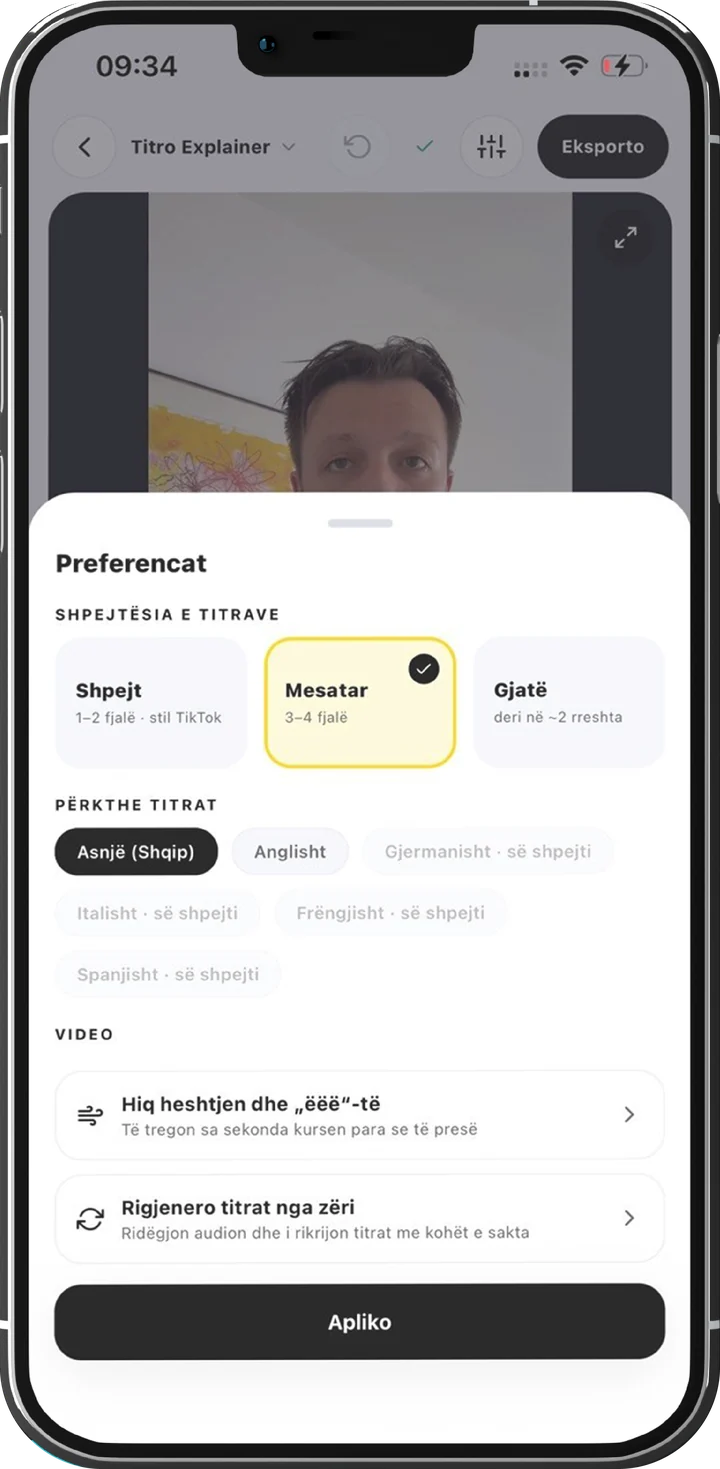
Titro can also translate your subtitles between Albanian, English and German. The translation is made from the speech itself in the same pass that writes the subtitles, so the translated lines stay timed to what was actually said. Translated minutes count double on your plan.
The names it gets wrong, it learns
Names are the hardest part of any transcript, and mixed-language speech is full of them. With the personal dictionary switched on, any word you correct twice is remembered and spelled right in your next video: your own name, your street, your client’s brand. The list stays private to your account, and you can edit it in your profile.
When the words have to be exactly right, use the teleprompter. You write the script, read it from the screen while you record, and the subtitles come straight from your text, timed to your voice. There is nothing to transcribe, so nothing to get wrong.
Who this is for
- Creators abroad who switch between Albanian and German or English on camera.
- Interviews and podcasts where a guest answers in a different language than the host. Turn on more than one voice and each speaker gets their own name and colour.
- Brands posting the same clip for audiences in more than one country, with subtitles in each language.
If your videos only ever use one language, most caption tools will do the job. If they don’t, try Titro on one of your real clips, the messy one with three languages in it. The first video is free.

