Home Teleprompter software
Free in the browser no sign-up, nothing to install
Teleprompter software is usually judged on three things: does it run on what you own, can you control the scroll, and what does it cost. Titro answers all three — and then does the part most prompters leave to another app, which is turn the take you just read into subtitles burned into the video.
From €4.99/month
Or work on the web →
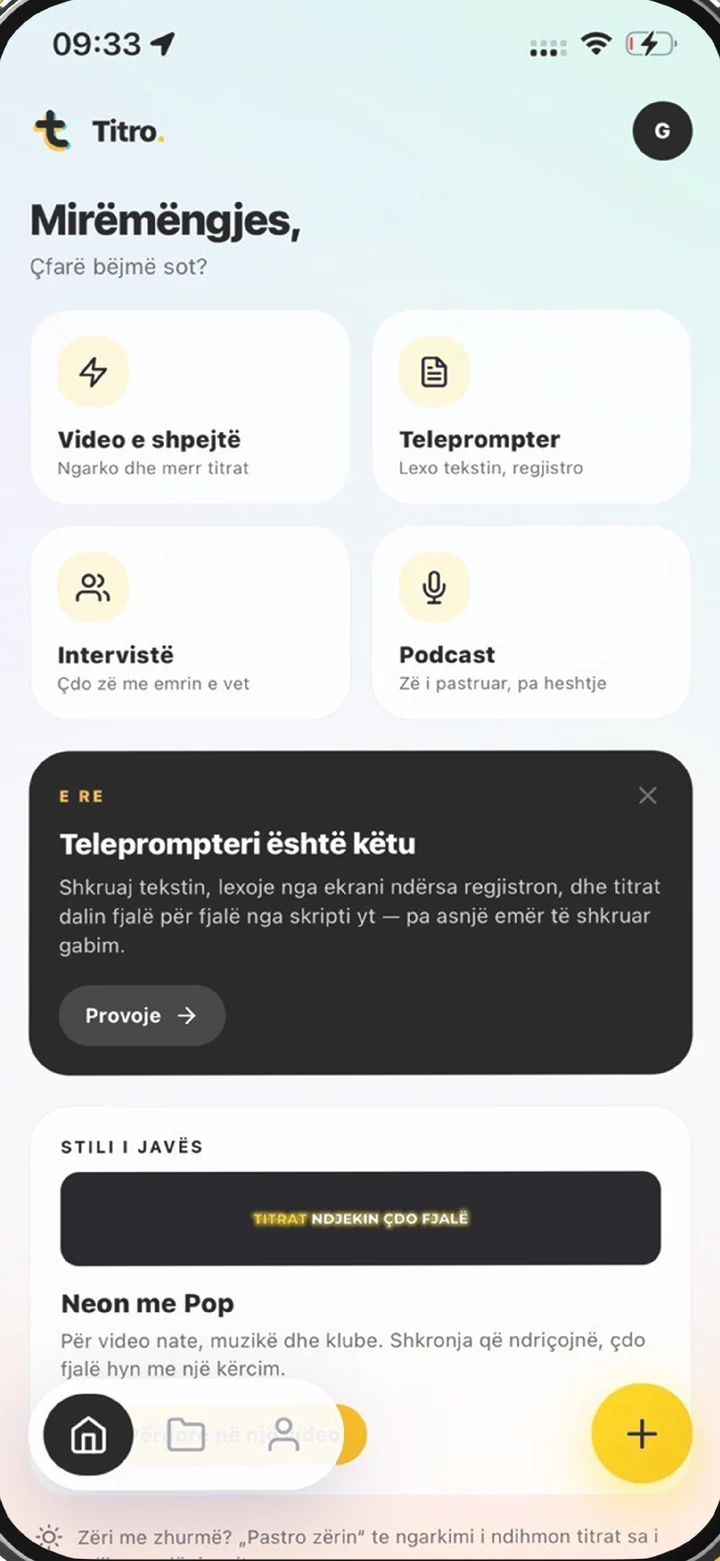
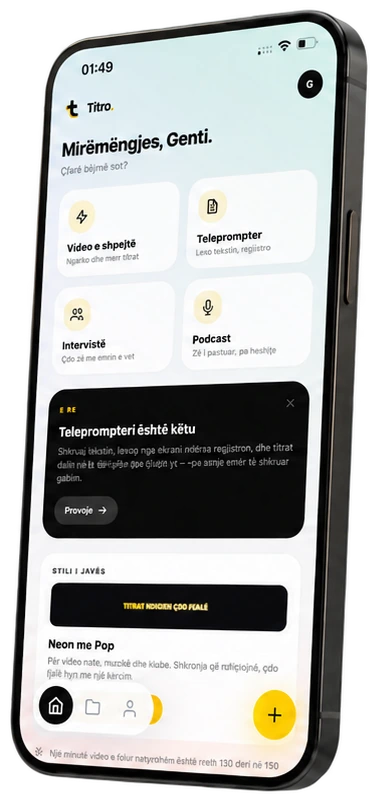
There are two ways in, and neither asks for a download first. The <a href="/online-teleprompter/">online teleprompter</a> is a web page: it runs in Safari or Chrome on an iPhone, an Android phone, an iPad, a Mac or a PC, and your script never leaves the device. The Titro app, on iOS and Android, puts the same prompter on the front camera so it can record the take as well.
Pace is set in words per minute, so it maps to how you actually speak rather than to an unlabelled one-to-ten scale — most conversation sits around 140 to 160. The up and down arrows change the speed while the text is moving, the space bar pauses, and Esc gets you out. Text size has three settings, and a mirror switch flips the script for beam-splitter rigs that bounce the screen off glass in front of the lens.
If you shoot on a camera, a webcam or a second phone, use the browser prompter as a pure autocue: prop the device as close to the lens as it will go, start the scroll, and record however you normally record. If the phone in your hand is the camera, the app is the better fit — the script scrolls in a panel at the top of the screen, right under the front lens, so your eyes stay on the viewer instead of drifting below them.
A prompter scrolls text. Titro also captions what came out of your mouth: it listens to the take, times every word to your voice, and burns the subtitles into the picture so they survive a download and a repost. The script is used for spelling, not for content — a name, a brand or a product number you said comes out typed the way you wrote it, a line you skipped never appears, and an ad-lib stays in. How that fits together is on the <a href="/teleprompter-app/">teleprompter app</a> page.
For a scroll and nothing else, open the <a href="/online-teleprompter/">free online teleprompter</a> — no account, no install. If you want the recording and the subtitles handled in one go, open the teleprompter in the Titro app.
Write it the way you talk: short sentences, a line break where you want to breathe. Spell names, brands and technical terms exactly as they should appear, because the app uses that spelling in the subtitles.
Start a notch slower than feels right — nerves push you faster on camera. Keep your eyes on the reading line and let the text come to you; pause with the space bar whenever you need a beat.
Takes recorded in the app open in the normal editor: the subtitles are already timed word by word, so you pick a style, drag a caption clear of your face, and export in the original resolution, with an .srt alongside if you want the text on its own.
The browser teleprompter is free: no sign-up, no watermark and no time limit, because it is a tool on a page rather than a trial. The app is free to install, and your first video is free up to three minutes, carrying a small Titro mark that paid plans do not have. After that, plans start at €4.99 a month for 300 minutes of video. The prompter is not a paid add-on at any level: a scripted take uses plan minutes by its length, exactly like a video you upload, and retakes you never upload cost nothing.
A beam-splitter rig is a piece of glass at 45 degrees in front of the lens with a screen below it, and whatever runs on that screen is the software. The browser prompter is built for that job: turn the mirror switch on so the text reads correctly through the glass, pick the large text size, and set the pace before you are standing in front of the camera. Reading technique — eye line, finding your place again after a stumble — is in the guide on how to read a teleprompter, and how to memorise a script covers the case for using no prompter at all.
The right screen is the one you can put nearest the lens while still reading it. A phone held at arm’s length keeps your eyes almost dead centre, which is why the app’s panel sits directly under the front camera. A tablet or a laptop gives you a bigger line at the cost of distance, so it suits a rig where the screen is already under the glass, or a desk take where the camera is far enough back that the travel does not show. Whatever the screen, set the text size so a line fits without your eyes crossing the frame: three sizes is usually enough to find one that does.
At a natural 140 to 160 words a minute, a thirty-second take is about 75 words and a minute is about 150 — which is shorter than most first drafts. Write it, read it aloud once against a clock, and cut rather than speed up the scroll, because a prompter set faster than you speak is what makes the eyes chase the line. Short paragraphs scroll better than one block, and a line break where you want to breathe does the pacing for you.
Scripted takes are usually the videos where precision matters: a product explanation, an announcement, an ad, anything with a figure or a name in it. Those are also the videos where platform auto-captions are weakest, because names and technical terms are what they most often get wrong. Titro listens in Albanian, English, German, Italian and French, including sentences that switch language halfway through, so a scripted take in any of them comes back ready — and the subtitles are in the frame, which means a clip reposted from TikTok to Reels still reads. If the take is for YouTube long-form, the .srt export comes from the same project.

The browser version runs on anything with a modern browser: iPhone, Android, iPad, Mac or PC. The app version is on iOS and Android, and the same account opens on the web as Titro Studio at app.titro.live.
Yes. Speed is set in words per minute before you start and can be changed with the up and down arrows while the text is scrolling. The space bar pauses and resumes, and there are three text sizes.
Yes. The browser teleprompter only scrolls — it does not record — so you can put it next to a camera, a webcam or a beam-splitter rig and film however you like. The app is for when the phone itself is the camera and you want the take captioned.
The browser teleprompter is free, with no sign-up and nothing uploaded. In the app, your first video is free up to three minutes and carries a small Titro mark; paid plans start at €4.99 a month and have no mark.
Yes. The mirror switch flips the script horizontally so it reads the right way round through the glass of a beam-splitter prompter.
The subtitles. The recording is captioned word by word in Albanian, English, German, Italian or French, the subtitles are burned into the video so they survive reposting, and your script supplies the spelling for names and terms. The iPhone-specific walkthrough is on teleprompter app iPhone.
Upload it now and see it finished before your coffee’s done.