Home Teleprompter for videos
130–150 words what a minute of natural speech comes to
A teleprompter for videos is the difference between a take you post and a take you delete at the fourth attempt. The words are already in front of you, so you stop groping for the next sentence — and because Titro records the read itself, the subtitles come out of the same take, timed to your voice.
From €4.99/month
Or work on the web →
The giveaway is never the script, it’s the eyes. A long line makes them travel across the screen and the camera sees every trip. Keep the lines short, hold the phone at eye level about an arm’s length away so your eyes barely move, and set the scroll a notch under the pace you really speak at. Chasing text that runs ahead makes you rush; waiting on text that crawls makes you stall and glance off.
This is the half a plain prompter can’t do. After the take, Titro listens to the recording and puts a timestamp on every word, so the highlight lands on the word being spoken — and it takes the spelling of names, brands, places and product terms from your script. A line you skipped doesn’t appear. An aside you threw in stays. The subtitles are a record of what you said, not a copy of the page.
Two different jobs, two different tools. The free online teleprompter on this site is a teleprompter online with nothing to install and no sign-up: paste the script, set the words per minute, read it through on a laptop, iPad or phone. It scrolls, and that is all it does — nothing is uploaded and nothing is recorded. When you want the recording and the subtitles from one read, use the Titro app, where the script scrolls near the front lens while the camera rolls.
A scripted video is usually an explanation, an announcement or an ad, and it usually ends up on TikTok, Reels, Shorts or YouTube. Titro burns the subtitles into the picture, so they survive a download and a repost instead of living on one platform. Fifteen presets, word-level highlighting, an entrance effect, subtitles you can drag out of the way of the interface — plus an .srt file from the same project if the video also goes to YouTube long-form.
Short sentences, one idea each, the words you would use across a table. Read it aloud once: anywhere you stumble, a viewer would have too. Spell names and terms the way you want them in the subtitles, and put a line break where you want to breathe — the scrolling panel treats your paragraphs as pacing.
Choose a speed just below your natural one, prop the phone at eye level, and check the light falls on your face rather than behind you. A countdown runs before the take so you can settle your eyes on the reading line first.
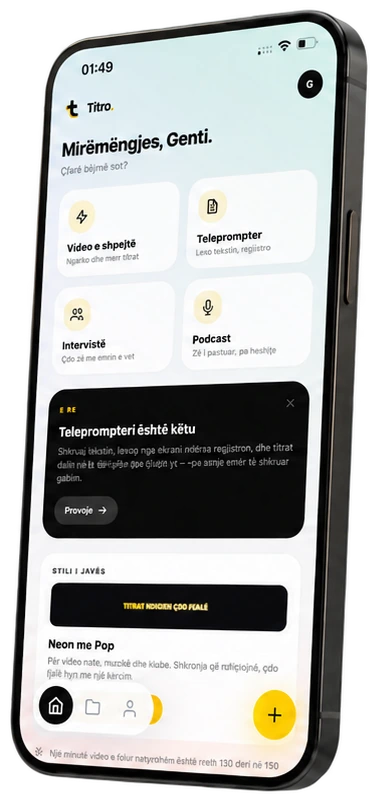
In the Titro app the text scrolls in a panel at the top of the screen, right under the front camera. Pause and resume whenever you like, and depart from the script when a better sentence turns up — whatever you say is what the subtitles will follow.
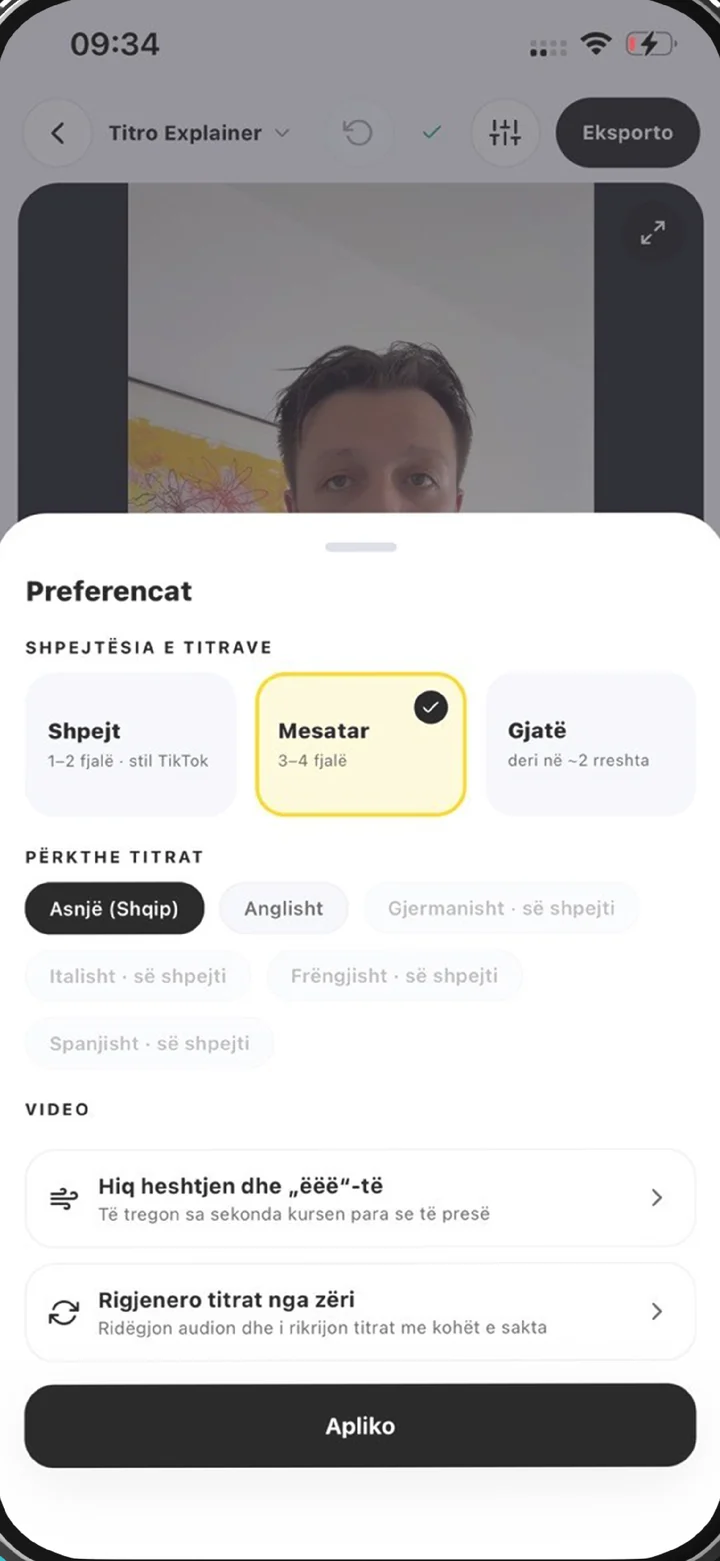
The take opens in the normal editor: fix any word with a tap, cut long pauses and filler words, pick a style, then save the video at its original resolution with the subtitles inside it.
A minute of speech is roughly 130 to 150 words at a conversational pace, so a 45-second Reel is about a hundred words — far less than most people write for it. Script the opening two sentences tightly, because that is where a viewer decides, and leave the end loose enough to sound like you. The longer version of the delivery question, eye line and losing your place included, is in how to read a teleprompter; if you would rather not read at all, how to memorise a script covers that route.
The teleprompter is part of the Titro app on both phones, so a teleprompter app Android creators use and a teleprompter for iPhone are the same feature here, with the script by the front lens either way. On an iPhone the lens sits at the top of the screen and the panel sits under it, which is the layout described on the teleprompter app for iPhone page; the overview of the whole flow is on teleprompter app. The same account opens in the browser as Titro Studio, so you can write the script at your desk, record on the phone and finish the edit wherever suits. Takes you record with no script at all run through the same recognition — that is the caption app flow — and land in the same editor, so a channel that mixes scripted and spontaneous videos keeps one look.
A retake costs nothing: only the take you upload uses minutes. Installing the app is free and your first video is free up to three minutes, with a small Titro mark on it that paid plans don’t have. After that, plans start at €4.99 a month for 300 minutes, and a take uses minutes by its length, exactly like an uploaded video — translation into a second language counts double. The free online teleprompter in the browser stays free with no account, because the script never leaves your device.

Yes. The free online teleprompter runs in your browser with no sign-up and no watermark: paste the script, set the words per minute, mirror it for a beam-splitter rig and press start. Your text stays on your device. It scrolls only — it doesn’t record or subtitle.
Yes. The teleprompter is built into the Titro app on Android and on iPhone, scrolling the script near the front camera while you record. The take is then subtitled in the same app.
No, and that is deliberate. The subtitles always follow what you actually said. The script only fixes the spelling of words you spoke, such as names and brands, so a skipped line never appears and an ad-lib is never missing.
Yes. Set a speed before you start and adjust it while it scrolls, and pause and resume as often as you need. You’ll find the right setting after a take or two.
Albanian, English, German, Italian and French, including sentences that switch language halfway through. Subtitles can be translated between any two of them with one click; translated minutes count double.
The video at its original resolution with the subtitles burned in, ready for TikTok, Reels, Shorts or YouTube, plus an .srt file from the same project if you need the text separately.
Upload it now and see it finished before your coffee’s done.