Home Audio transcription

Minutes, not hours against three to four times real time by hand

Audio transcription you can correct.

Audio transcription is only a saving if the result stays in your hands afterwards. Titro writes the recording down, shows you every line with the second it was said, and lets you change any word — saved as you type, and carried straight into the file you download.

From €4.99/month
Or work on the web →

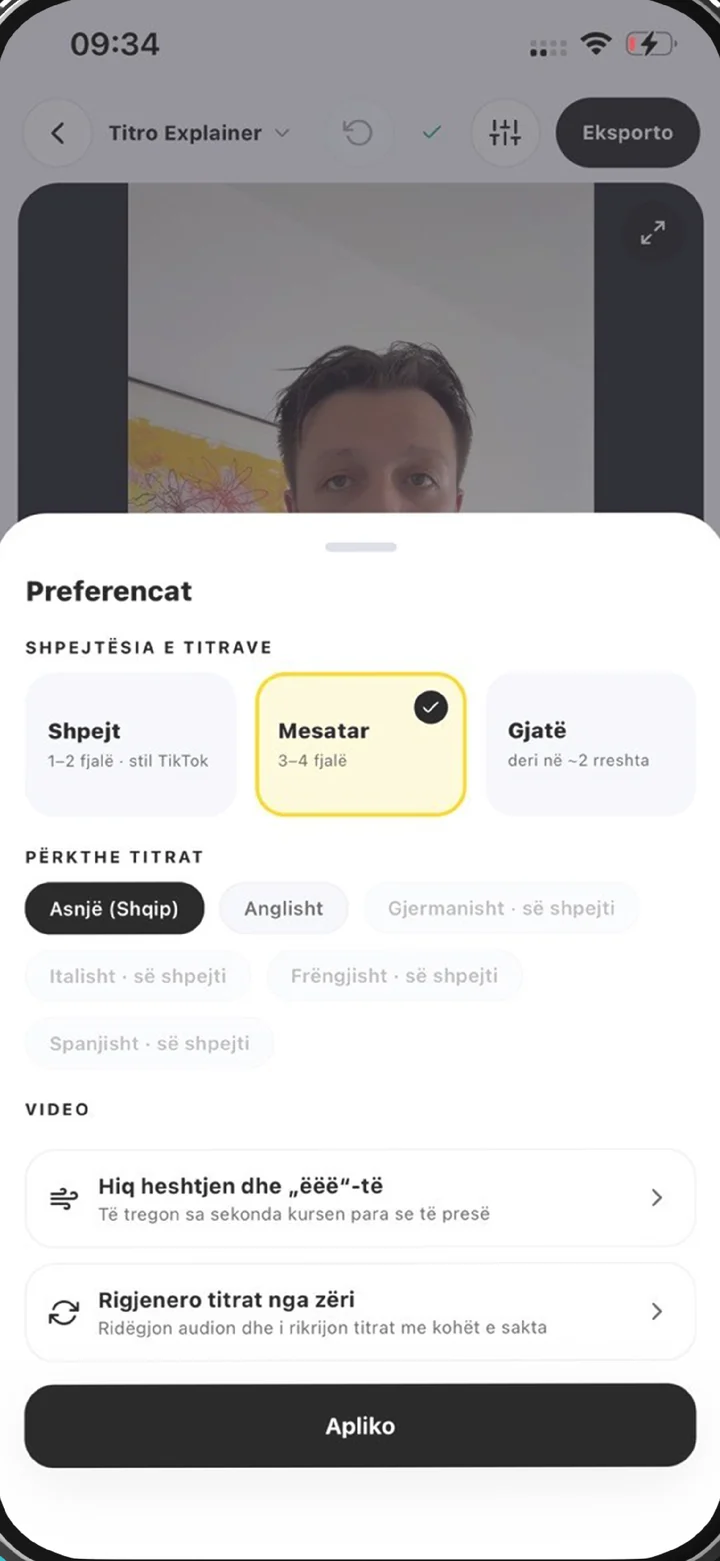
Upload settings in Titro: project type, spoken language, speakers and audio cleanup
why

What audio transcription actually buys you.

01 Four hours become four minutes

An hour of audio takes a practised typist three to four times its length to transcribe. A machine does it in a fraction of that and hands you something to check rather than something to create. The gain is not that the recognition is flawless — it isn't — but that correcting is far faster than typing.

02 Every word carries its time

You get lines with a start and an end, not a wall of text with one timestamp at the top. That is the difference between a transcript you can only read and one that is also a map of the recording: you find the moment a sentence was said without hunting, and the subtitle file falls out of the same data.

03 Correcting is part of it

Names, technical terms, place names and two people talking over each other are where every recogniser slips. So each line is an editable field, and your account remembers a word you have corrected the same way twice — the next transcript spells it right on its own.

04 No watermark, because there is no picture

A free video export carries a small Titro mark. A transcript has no frame to put one on, so the file from your free three minutes is the file a paid account gets. The free tier limits length, not quality.

steps

How to transcribe a recording.

01

Pick Transcript only

At app.titro.live, start a project and switch the type at the top. That mode takes audio — MP3, M4A, WAV, FLAC, OGG, Opus, AMR — and a video too, when the words are all you want from it. Nothing is rendered, so there is no export to wait for.

02

Say what is on the recording

Choose the spoken language or let it be detected. Turn on speaker separation if more than one person talks; each voice gets a label that travels into the .srt. A noisy recording can be cleaned first — only the recogniser's copy is touched, never your file.

03

Wait

A few minutes of audio is a matter of seconds. An hour takes longer, because an hour of talking happened.

04

Read it, fix it, take it

The text appears line by line with its timing. Tap into a line to change a word. Then Download .srt for subtitles and editing software, or Copy the text for a document, minutes or show notes.

in practice

Accuracy, formats, price, and when a machine is not enough.

Transcription, transcribing, text transcription — same job

Whether you searched for audio transcription, how to transcribe to text, text transcription or turning sound into text, you are after the same thing: a recording in, readable sentences out. This page is that job end to end. If you want it as a numbered procedure instead, transcribe audio to text is the step-by-step version, and transcribe video to text covers starting from a video.

What decides accuracy

Three things, in order: how clean the recording is, how clearly people speak, and whether the language is one of the five Titro knows. A lapel mic in a quiet room produces a transcript you barely touch. A phone on a restaurant table produces one that costs you work. No vendor escapes that — anybody promising 99% means studio conditions. What you can change is cheap: get the microphone closer, let people finish their sentences, shut the window.

When a machine is not enough

Court filings, medical records and anything with a legal or clinical duty attached need a qualified human transcriber, and usually a certificate to go with the file. Titro is not that and does not pretend to be. For journalism, research, show notes, meeting records, accessibility and subtitles, a machine transcript you read once is the right tool.

Languages, and the honest limit

English, German, Albanian, Italian and French, including sentences that switch language halfway, and Gheg as well as Tosk in Albanian. Nothing else is recognised — if your recording is in Spanish, Polish or Turkish, this is the wrong tool, and that is better said here than after you upload. Need the text in another of the five? Titro translates the finished lines; translated minutes count double, because it is a second pass.

What it costs

The first three minutes are free, no card, once per account — enough to find out how the recognition handles your voice, your room and your vocabulary, which is the only question a trial has to answer. After that Creator is €4.99 a month or €49 a year for 300 minutes, up to 60 minutes per file. Studio is €29 for 3,000 minutes and up to 180 per file. Count in minutes rather than files: a weekly half-hour recording is about 120 minutes a month, comfortably inside Creator.

Recordings people bring here

A phone memo or a voice note — see voice recording transcription, which covers the Voice Memos and WhatsApp cases and the file types they produce. An interview that has to be quotable, with each speaker named: interviews. A podcast episode that needs show notes and a searchable archive: podcast subtitles. And when the text has to end up on screen rather than in a file, that is a video project — add captions to video.


questions

What you should know.

How accurate is automatic audio transcription?

On clean, clear speech in one of the five supported languages it is usable after a read-through. Background noise, people talking over each other and unusual proper nouns are where you will be correcting.

Can I edit the transcript?

Yes. Every line is a text field, saved as you type, and the .srt always carries what is on screen.

Which audio formats work?

MP3, M4A, AAC, WAV, FLAC, OGG, Opus and AMR, plus the usual video formats. A file with no sound track is refused before a minute is charged.

Is there a free option?

The first three minutes, no card, once per account. A transcript has no watermark, so it is the same file a paid account gets.

Do I get plain text or a subtitle file?

Both, from the same project: Copy the text gives prose, Download .srt gives the timed file.

Does it separate speakers?

Yes, if you turn it on at upload. Each voice gets a label that also appears in the .srt.

Can it transcribe live, while I speak?

No. Titro works on a finished recording, not as live dictation.

Is this good enough for legal or medical records?

No. Anything with a legal or clinical duty attached needs a qualified human transcriber. Titro is built for journalism, research, podcasts, meetings, accessibility and subtitles.

also

Subtitles for everywhere you post.

Try it on your next video.

Upload it now and see it finished before your coffee’s done.

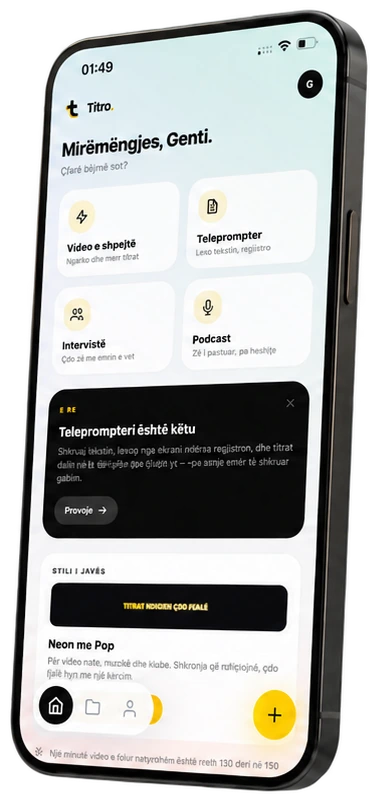
Titro on a phone, showing the home screen and subtitle tools