Home Subtitles for documentaries

180 min per file on the Studio plan, on a big screen

Subtitles for documentaries, timed to the word.

Subtitles for documentaries are a different job from captioning a clip. The file is long, several people speak, half the names are places nobody has typed before, and the broadcaster wants a subtitle file, not pixels. Titro Studio was built for exactly that file.

From €4.99/month
Or work on the web →

Titro Studio with a long project open on the timeline
why

Why subtitles for documentaries with Titro.

01 The whole film in one upload

Up to 180 minutes per file on the Studio plan, 60 on Creator, and uploads up to 1.5 GB in MP4, MOV, MKV, WebM or AVI. Upload the cut once; the transcript, the timing and the speaker names all belong to that one project.

02 Every voice named

Switch on “more than one voice” at upload and each speaker gets a name and a colour in the editor. The names go into the .srt as well, so a narrator, an interviewee and an archive clip read as three people, not one.

03 Mixed languages in one film

Documentaries about migration, borders and families rarely stay in one language. Titro listens for Albanian, English and German at once and keeps each word in the language it was spoken in, including a sentence that changes language halfway.

04 Names that stay right

A place name or a surname the model gets wrong is fixed with a tap, and after two corrections the personal dictionary spells it right for the rest of the project and the next one.

steps

How to subtitle a documentary.

01

Upload in Titro Studio

On the web, on a big screen. Choose the spoken language or leave it on Auto, switch on “more than one voice”, and pick audio cleanup if the location sound is rough.

02

Wait while it listens

A short clip is back in about twenty seconds; a two-hour film takes longer because there is more speech. Close the tab if you like: Titro sends a notification when the project is ready.

03

Check names, places and terms

Read through on the timeline. Tap a word to fix it, split or join a subtitle, name the speakers. The time you spend here is the time that used to be the whole job.

04

Export the way the destination wants it

Burn the subtitles in for social cuts and screenings, or download the .srt for YouTube, broadcasters and festival submissions. Both come from the same project.

in practice

Subtitles for documentaries, in practice.

Burned-in or .srt, and why a documentary needs both

A festival or a broadcaster asks for a subtitle file so their own system can show it, switch it and translate it. A trailer for Instagram needs the text in the picture, because the platform strips files on repost. Titro gives you both from one project: the burned-in export in the original resolution, and the .srt with speaker names from Titro Studio. The .srt page covers the file itself.

Working through two hours of material

Long projects live on the Studio timeline, not on a phone. Every subtitle is a clip you can drag at the edges, split where a thought ends and join where the model cut too early. For interview-heavy films, the silence and filler tool removes dead air and the “ehm” between answers in one pass, and you decide what stays.

Translating a documentary

Once the original subtitles are right, translate them to English, German or Albanian with one click and export a second version. Translated minutes count double. For a film going to a festival abroad, that second track is often the difference between a submission and a screening. Check the terms afterwards; a translation is only as good as the names you fixed first.

Oral history, archives and dialect

Interviews with older speakers, village recordings and family archives are where general tools give up. Titro was trained on how Albanian is actually spoken, Gheg included, and leaves the dialect as spoken unless you standardise it in the editor. The Albanian subtitles page goes deeper.

What Titro does not do

It transcribes three languages: Albanian, English and German. It does not import an existing .srt for editing, and it does not translate into languages beyond those three. If your film is in Spanish or Arabic, Titro is not the tool for it, and we would rather say so here than after your upload.


questions

What you should know.

How long can the file be?

Up to 180 minutes per video on the Studio plan and 60 on Creator. Uploads can be up to 1.5 GB in MP4, MOV, M4V, MKV, WebM, AVI or 3GP.

Does it tell speakers apart?

Yes. Switch on “more than one voice” at upload. Each speaker gets a name and a colour, and the names are written into the .srt.

Can I get an .srt file for a broadcaster or a festival?

Yes, from Titro Studio on the web. The .srt carries every subtitle with its timing and the speaker names you set.

Can I translate the subtitles?

Yes, with one click between Albanian, English and German. Translated minutes count double.

How many minutes does a 90-minute film use?

Ninety. Minutes are counted by video length, not by number of exports. Translating it uses another ninety.

Can I import subtitles I already have?

No. Titro writes the subtitles from the audio; it does not edit an existing .srt.

Does the location sound need to be clean?

No, but it helps. Pick audio cleanup at upload for wind, traffic or echo. You still check the words afterwards; the dictionary makes the second film faster than the first.

also

Subtitles for everywhere you post.

Try it on your next video.

Upload it now and see it finished before your coffee’s done.

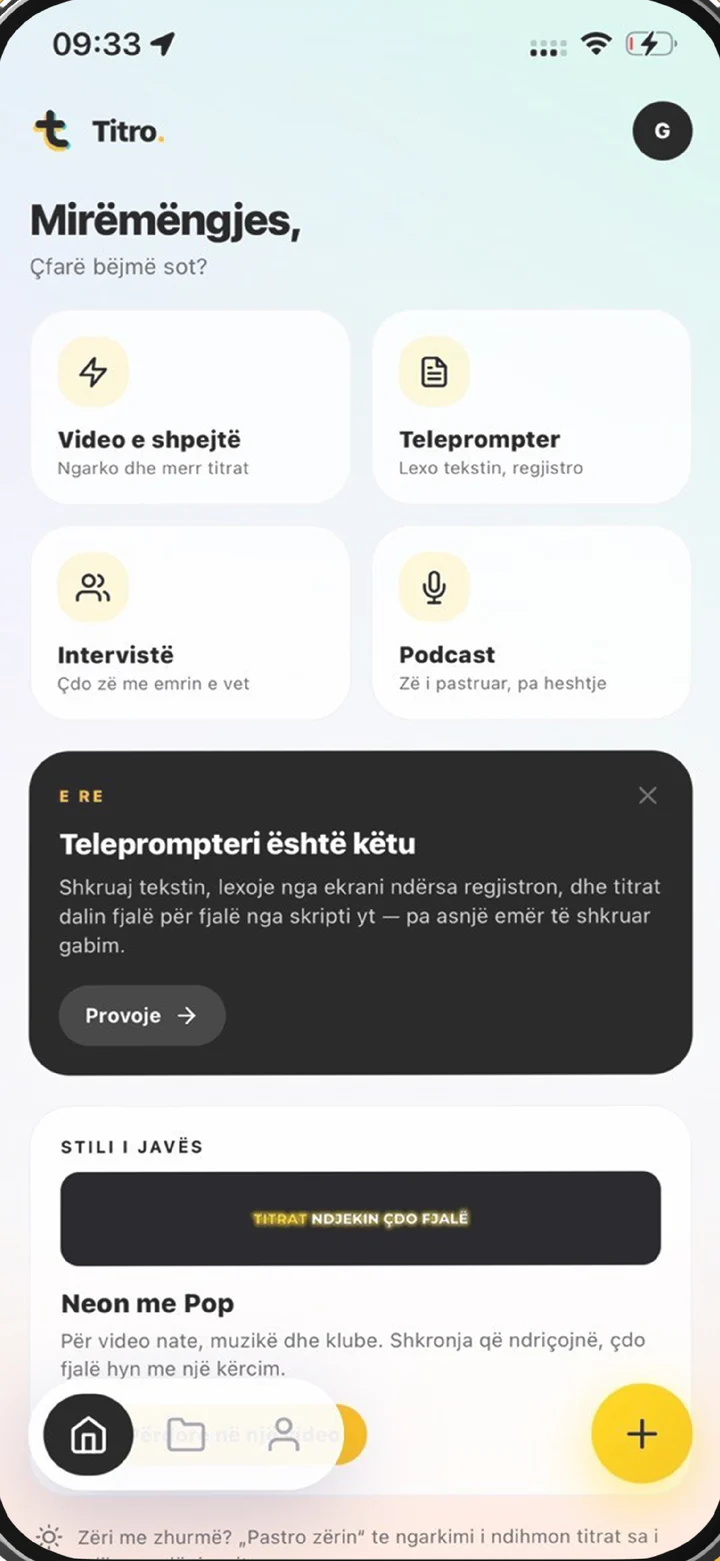
Titro on a phone, showing the home screen and subtitle tools