Home Voice recording transcription

The file you already have m4a, opus, mp3, wav — straight in

Voice recording transcription — straight from the memo.

The recording is already on your phone — a memo from the car, a note someone sent you, an hour of a meeting nobody wrote down. Titro turns it into lines you can read, search and correct, and hands you the text or a timed .srt.

From €4.99/month
Or work on the web →

The Titro project list with a transcript made from a voice recording
why

Why a voice recording is its own problem.

01 The formats phones actually make

An iPhone Voice Memo is an .m4a. A WhatsApp voice note is an .opus. An Android recorder gives you .m4a or .amr, a Dictaphone a .wav, a Zoom recording an .m4a or .mp4. All of them go straight in — no converting first, which is the step most tools make you do and nobody should have to.

02 Rough audio is the normal case

Nobody records a memo in a studio. It is a car, a corridor, a kitchen. Turn on the cleanup at upload and the recogniser hears a tidied copy while your original file stays exactly as it is — that one setting is worth more on a phone recording than on anything else.

03 Searchable, with the moment attached

Every line carries the second it was said. An hour of meeting becomes something you can scan in two minutes and jump back into at the exact point where the decision was made.

04 Fix it where you read it

Names are what a recogniser gets wrong in a memo, because memos are full of them. Each line is editable, saved as you type, and a name you correct twice is remembered for the next recording.

steps

From recording to text.

01

Get the file off the phone

Share the memo to yourself — AirDrop, email, Drive, whatever you already use. On iPhone, Voice Memos shares an .m4a directly. In WhatsApp, export the note from the chat.

02

Upload it as a transcript

At app.titro.live, start a project and pick Transcript only. Drag the file in. Nothing is rendered, so there is no video to wait for.

03

Turn on what the recording needs

Speaker separation if it is a conversation, cleanup if it was recorded anywhere with a floor and walls. Choose the spoken language or let it be detected.

04

Read and export

Lines with timings appear. Correct the names, then Copy the text for your notes or Download .srt if the words need to go somewhere with timecodes.

in practice

Where your recordings come from, and what happens to them.

A meeting nobody minuted

A recording plus a transcript is a better record than notes taken while trying to listen. Turn on speaker separation and each voice is labelled, so who said what survives into the file. Recording a meeting means telling the people in it — that part is yours, not the software's.

An interview on a phone

One phone between two people beats two perfect separate tracks Titro cannot merge. Put it closer to whoever is quieter, and let people finish their sentences — overlapping speech is the one thing no recogniser can untangle. Interviews goes into the rest of it.

A voice note instead of an email

Plenty of people send a two-minute voice note where a paragraph would do. Running it through a transcript project gives you something you can skim, quote and keep — and three free minutes is exactly the size of that problem.

What happens to your recording

The file is processed to transcribe it and kept as a project until the retention window closes, then deleted. What you want to keep, you download. Deleting a project removes it, and the privacy policy sets out the rest, including closing your account.

The wider job

For the whole picture — accuracy, formats, pricing and where a machine transcript is not appropriate — see audio transcription. For the step-by-step version, transcribe audio to text. If the recording is a video and the words need to end up on screen, that is add captions to video instead.


questions

What you should know.

Can I transcribe an iPhone voice memo?

Yes. A Voice Memo is an .m4a; share it to yourself and upload it as a transcript project. No conversion needed.

Can I transcribe a WhatsApp voice note?

Yes. Export the note from the chat — it is an .opus file, which uploads directly.

What about a Zoom or Teams recording?

Yes, as long as you have the file. Upload it as a transcript and only the sound is read.

Does it tell people apart in a conversation?

Yes, if you turn on speaker separation at upload. Each voice gets a label, in the transcript and in the .srt.

The recording is noisy. Will it work?

Turn on cleanup at upload — the recogniser then hears a tidied copy while your file stays untouched. It helps most on phone recordings. It cannot recover words the microphone never caught.

How long can a recording be?

Three minutes free, up to 60 minutes per file on Creator (€4.99 a month) and up to 180 on Studio.

Which languages?

English, German, Albanian, Italian and French, including mid-sentence switches.

Is my recording kept?

It is stored as a project until the retention window closes and then deleted. Download what you want to keep; deleting the project removes it immediately.

also

Subtitles for everywhere you post.

Try it on your next video.

Upload it now and see it finished before your coffee’s done.

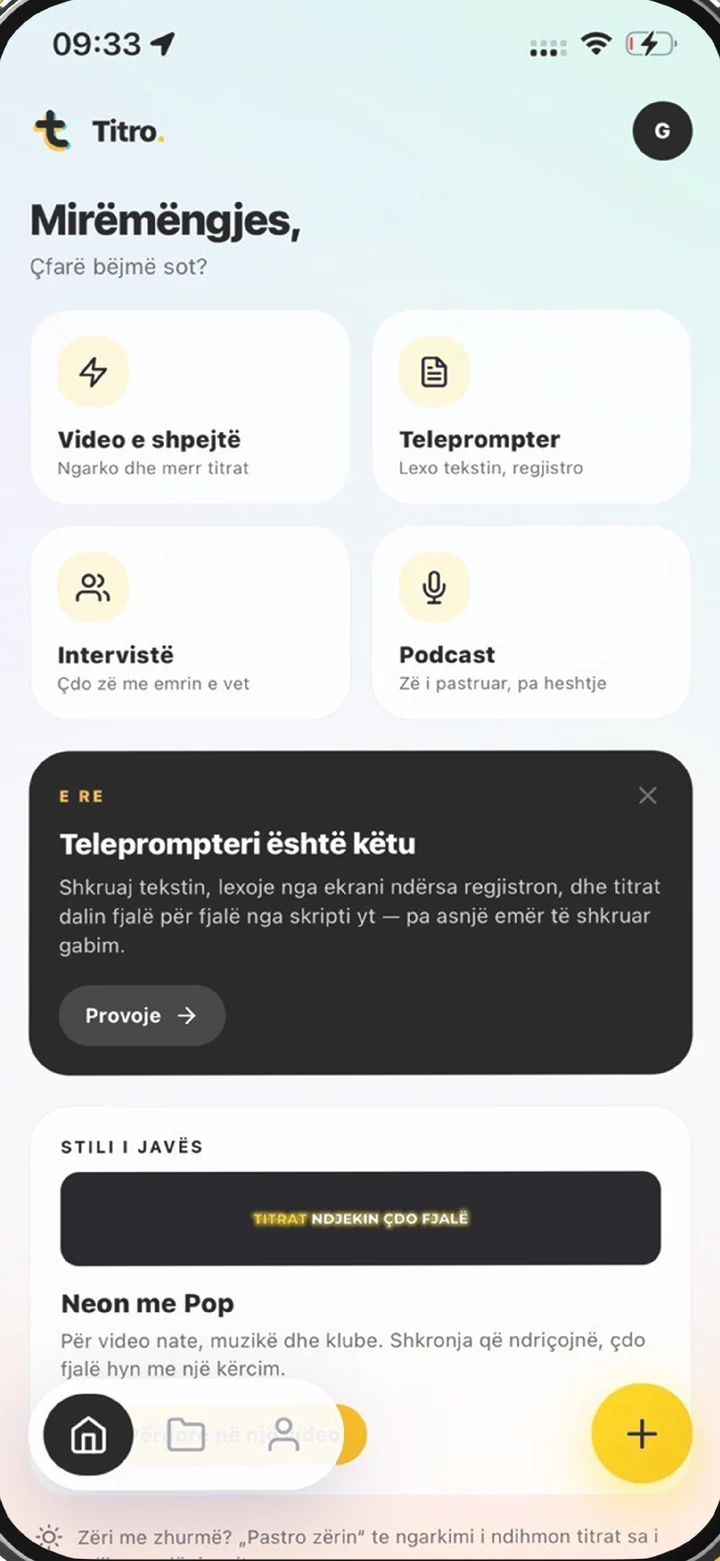
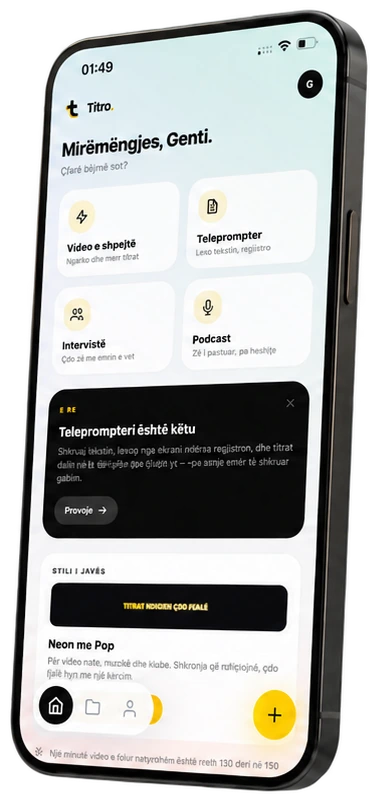
Titro on a phone, showing the home screen and subtitle tools