Home Transcribe audio to text
MP3, M4A, WAV and any video you only want the words from
A transcript project is not a video with the picture switched off — it is its own thing. Titro listens to the recording, writes it down, and stops. Nothing is rendered, nothing is burned in, and what you get back is text with a timestamp on every word.
From €4.99/month
Or work on the web →
Most converters hand back a block of text with one timestamp at the top. Titro gives you lines with a start and an end. That is the difference between a transcript you can only read and one a subtitle file falls out of — the .srt comes from the same lines, with no timecodes typed by hand.
A free video export carries a small Titro mark. A transcript has no frame to put one on, so the .srt from your free three minutes is the same file a paid account gets. What the free tier limits is length, not quality.
Names, technical terms and two people talking over each other are where every recogniser slips. So each line is an editable field, saved as you type, and the .srt always carries what is on screen. Correct the same word twice and your account remembers it for next time.
English, German, Albanian, Italian and French, including mid-sentence switches, and Gheg as well as Tosk in Albanian. Nothing else. If your recording is in Spanish or Turkish, Titro is the wrong tool — better said here than after the upload.
In the studio at app.titro.live, start a project and switch the type at the top: a captioned video, or a transcript. The second one accepts audio — MP3, M4A, WAV, FLAC, OGG, Opus — and a video too, when the words are all you want from it.
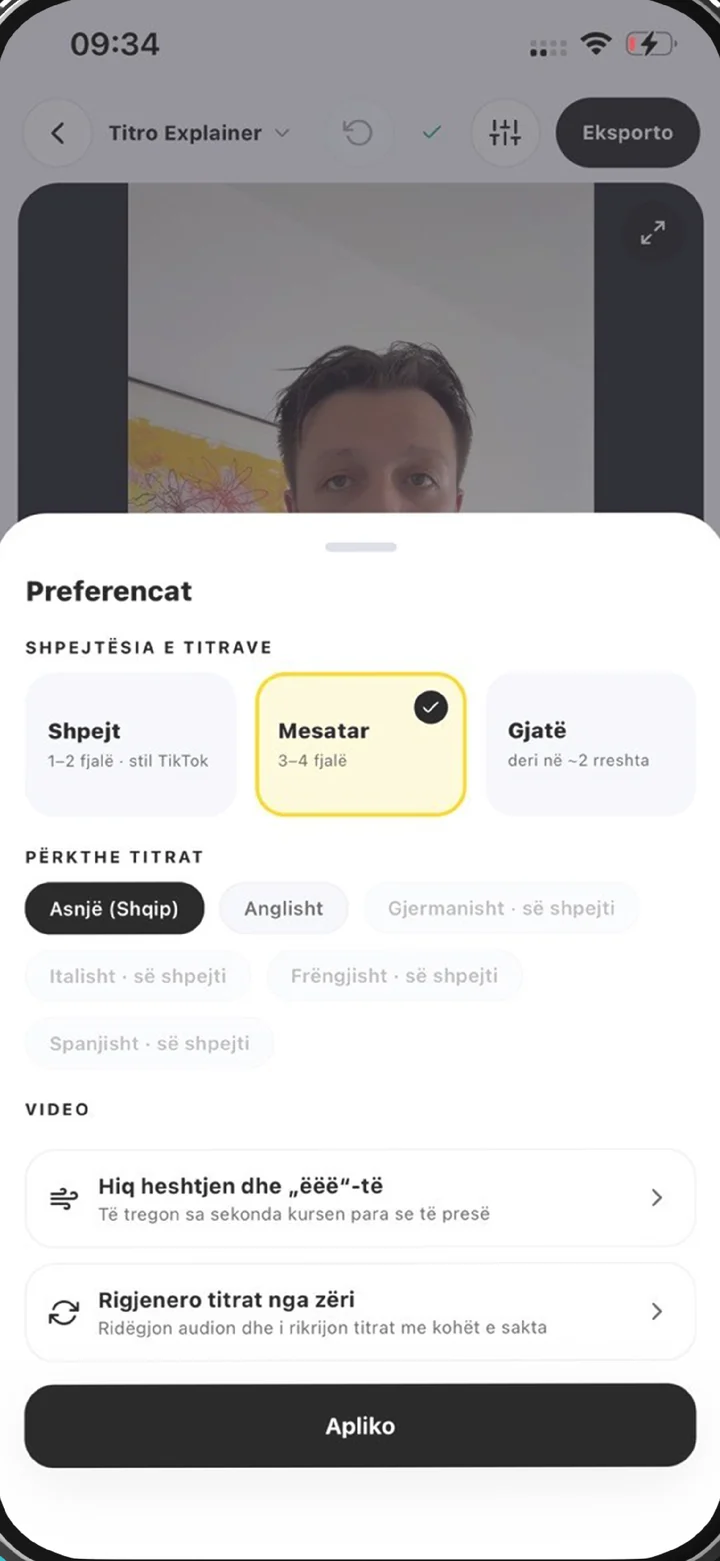
Choose the spoken language or let it be detected. If more than one person talks, turn on speaker separation: each voice gets its own label, and the label travels into the .srt. A noisy recording can be cleaned first — only the recogniser's copy is touched, never your file.
A few minutes of audio is a matter of seconds. An hour of interview takes longer, because an hour of talking happened.
The text appears line by line with its timing. Tap into a line to change a word; it saves itself. Then Download .srt for subtitles and editing software, or Copy the text for show notes, minutes or a document.
MP3, M4A, AAC, WAV, FLAC, OGG, Opus and AMR, plus every video format Titro already takes. An iPhone voice memo is an .m4a and goes straight in; a WhatsApp voice note is an .opus and does too. What matters is not the extension but whether there is a sound track in there: a file without one is refused before a single minute is charged.
Clean speech in one of the five languages comes back close enough to publish after a read-through. It gets worse with heavy background noise, with people talking over each other, and with names no dictionary holds. That is why the text is editable rather than final, and why the audio cleanup at upload is worth turning on for a noisy recording — it shapes the copy the recogniser hears.
The first three minutes are free, no card, once per account. After that Creator is €4.99 a month or €49 a year for 300 minutes and up to 60 minutes per file; Studio is €29 for 3,000 minutes and up to 180 per file. Minutes count the same whether you caption a video or only transcribe it — only a translation counts double, because it is a second pass.
The same pass feeds either outcome. If you want the words on screen, that is a video project: transcribe video to text and add captions to video describe that road. If you want the file, you are on the right page. And the SRT file generator covers what to do with the .srt once you have it.
This page is the procedure. For what the job is worth, how accurate it gets, what it costs and the cases where a machine transcript is the wrong answer, see audio transcription. If the recording came off a phone — a memo, a voice note, a meeting — voice recording transcription covers those file types and what they need.
A podcast episode that needs show notes and a searchable archive. An interview that has to be quotable, with every speaker named — see subtitles for interviews. A voice memo that needs to become a document. A music video or a track where a platform asks for the subtitle file and nothing else.

Yes, the first three minutes, no card, once per account. A transcript carries no watermark — there is no picture to put one on — so the free .srt is the same file a paid account gets.
MP3, M4A, AAC, WAV, FLAC, OGG, Opus and AMR, plus the usual video formats. An iPhone voice memo and a WhatsApp voice note both go straight in.
Yes. Every line has a start and an end, and the .srt falls out of that with nothing else to do.
Yes, if you turn it on at upload. Each voice gets its own label, and the label is in the .srt too.
English, German, Albanian, Italian and French, including mid-sentence switches. Nothing else is recognised.
Yes, line by line in the browser. It saves as you type and the .srt always carries the current text.
Three minutes on the free tier, up to 60 minutes per file on Creator and up to 180 on Studio.
Upload it now and see it finished before your coffee’s done.