One narrator is fine for a tutorial. Plenty of scripts are really conversations, though: a question and its answer, a customer and a shop, a teacher and a student. For those you used to have two options. Book two speakers, or record both parts yourself and hope nobody notices.
Titro’s AI voice has a dialogue mode for this. You write the conversation as lines that start with A: or B:, choose a voice for each, and one generation reads the whole thing in order. You get one audio file, and one subtitle file in which every line is marked with its speaker.
The format
Every turn starts with the speaker’s letter and a colon. That is all the syntax there is.
| Line in the script | Who reads it |
|---|---|
| A: Quick question. Do I need a microphone for this? | Voice A |
| B: No. You type the lines, and the voices read them. | Voice B |
| A: And the subtitles? | Voice A |
| B: Same download. Every line says who is talking. | Voice B |
Pick the language, then a voice for A and a different one for B. English, German, Italian and French have four voices each, and Albanian has four in beta. Choose two that sound clearly apart, a low voice and a bright one for example, so the listener never has to work out who is speaking.
Write it the way two people talk
- Keep turns short. One or two sentences each. A paragraph inside a dialogue sounds like a speech to an audience of one.
- Let the questions move it on. The best line for A is often the question the listener already has.
- Give each voice a job. One asks and one explains, or one is the customer and one is the shop. When both voices say the same kind of thing, the second one adds nothing.
- Write numbers and abbreviations the way they are said: “twenty twenty-six”, “for example”. The voice reads exactly what you type.
- Read it out loud once, both parts. A line that feels stiff in your mouth will sound stiff in the voice too.
The whole script can be up to 5,000 characters. In English that is roughly 800 words, which is several minutes of conversation. Most dialogues for social video are a tenth of that. The same rules for length and structure apply as for any script, and they are in how to write a video script.
Four jobs two voices do well
- 1
Podcast intros and trailers
Two hosts trading lines in the first thirty seconds tell a listener what kind of show this is faster than one voice reading a summary. Write the intro once, generate it, and use it on every episode.
- 2
Explainer ads
A problem and its fix, said by two people, holds attention longer than a monologue. If a line falls flat in the first test, change it and generate again. There is no session to rebook.
- 3
Language-learning dialogues
Most courses teach with short scenes: ordering at a café, booking a doctor, asking the way. Write one in German, Italian or French, generate it, and read along in the .srt. Turn the speed down a notch while you are still learning the words.
- 4
Interviews re-voiced from a script
When an interview only exists as text, a written Q&A or your notes from a call, two voices can turn it into audio for a video or a clip. The voices are Titro’s own. They do not imitate the people in the interview, so present them as a reading, never as those people speaking.
Make it in Titro
- 1
Open AI voice
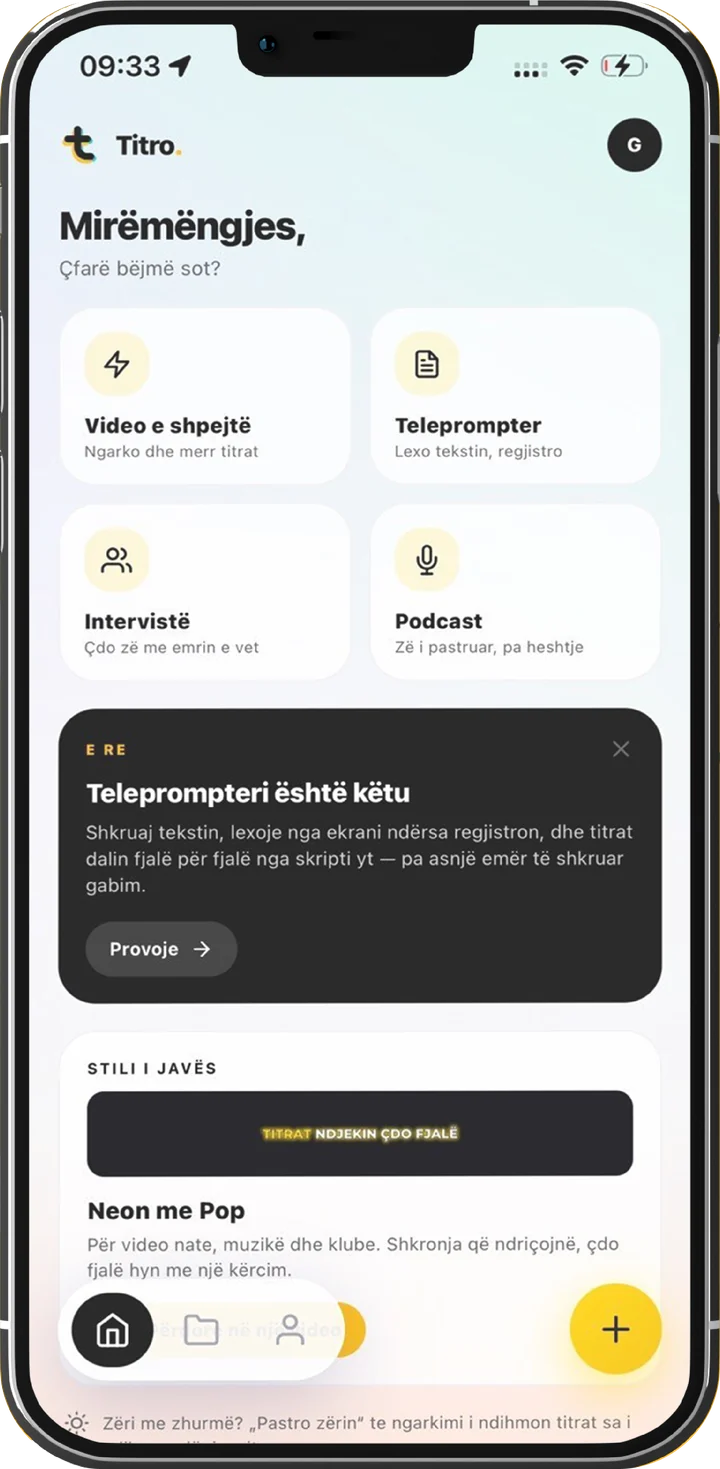
On the app’s Home screen, tap the AI voice card. In Titro Studio on the web it is a tile in Projects. Switch it to dialogue.
- 2
Paste the script
Lines that start with A: and B:, up to 5,000 characters in total.
- 3
Pick the language and two voices
Play the samples. A preview of the opening, up to 200 characters, is free, and you get 20 previews a day.
- 4
Generate once
One generation reads every turn in order, in both voices.
- 5
Download
The audio as MP3 or WAV, and a timed .srt that names the speaker on every line.
A dialogue uses the minutes on your account, the same way a single voice does. Previews are free. The feature page is dialogue text to speech, and the single-voice guide is AI voice-over for videos.
Getting it into a video
The dialogue comes as an audio file. Put it on the audio track of the editor you already use, then cut the pictures to the turns. A new shot or a new slide each time the speaker changes keeps the viewer oriented.
The .srt is timed to the voices, so YouTube and most editors take it as it is. If you want the words burned into the picture instead, upload the finished video to Titro and turn on more than one voice: each speaker gets a name and a colour in the captions, the same way it works for two people on camera.
What it does not do
- Two voices per dialogue, A and B. A third character needs a second dialogue.
- No voice cloning. Neither voice can be yours or anyone else’s. You pick from Titro’s voices.
- No Turkish voice. Turkish is one of Titro’s six caption languages, but AI voice does not speak it.
- The Albanian voices are in beta. They read standard Albanian clearly, and they do not do a Gheg accent.
- The voice is not placed inside a video you uploaded. You download the audio and put it under the picture yourself.
Write four lines, two for A and two for B, and preview the opening for free. If it sounds like two people talking, generate the rest.