Home Translate video to English
Six languages in English subtitles out
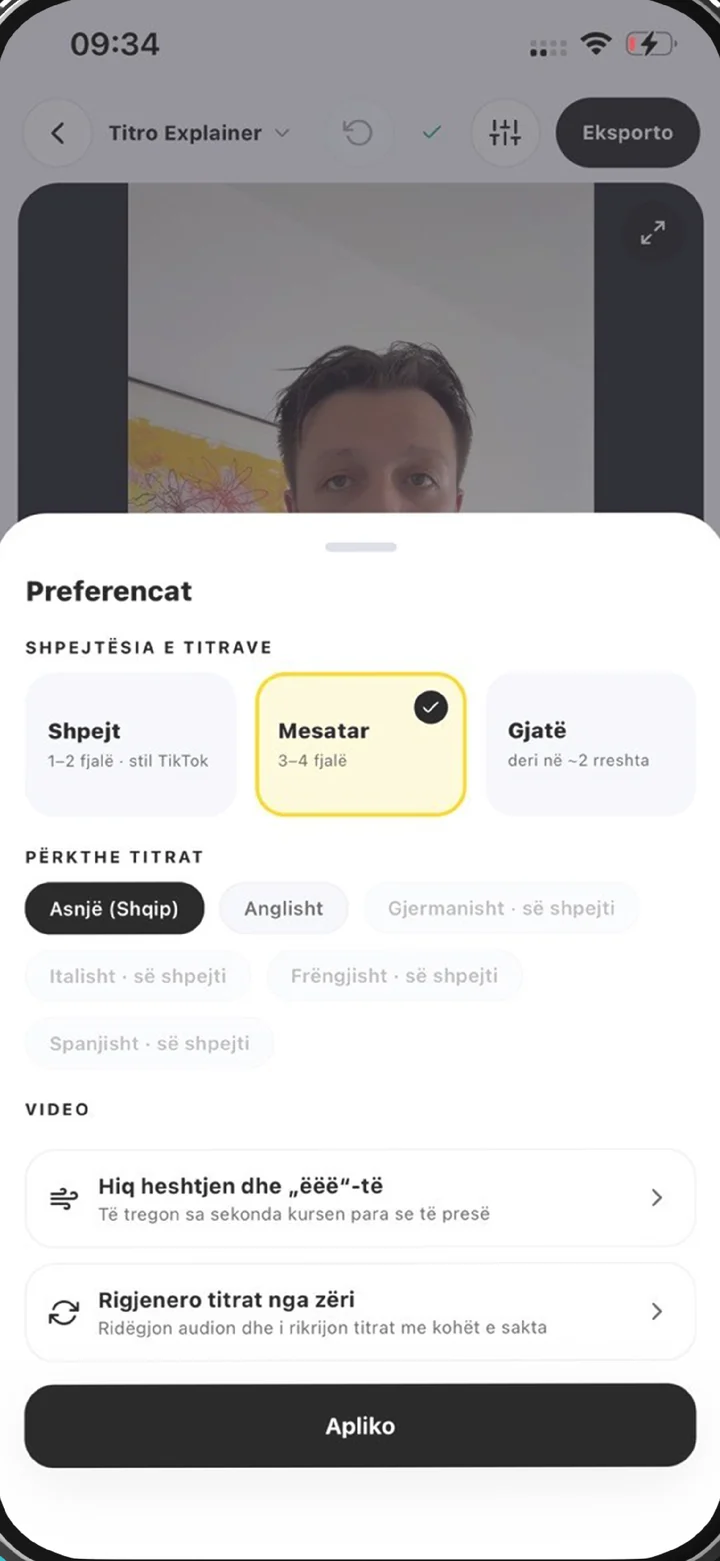
To translate video to English with Titro, you upload the video and choose English as the caption language. Titro listens to what is said in Albanian, German, Italian, French, Turkish or Chinese and writes it as English subtitles, timed to the speech. The original voice stays: nothing is dubbed. Speech in other languages, such as Spanish, Arabic or Hindi, is not supported.
From €4.99/month
Or work on the web →
There is nothing to type or paste. Titro writes down what is said in the video, then translates it into English and keeps the timing of the voice. It is not a text translator: a sentence you want to type belongs in a tool like Google Translate.
Titro works on a video or audio file you upload from the phone or the computer. It does not take a YouTube, TikTok or Instagram link. If the video is yours, upload the original file; it is also the better quality.
The translation appears as subtitles on the video and as an .srt file. The person on screen keeps their own voice, which is what keeps an interview, a family video or a product demo believable.
Chinese is understood as a spoken language but not written as captions, so a video in Chinese is captioned through a translation. English is the usual choice: upload, pick English, read.
From the iPhone or Android app, or in Titro Studio at app.titro.live. MP4, MOV, MKV, WebM and other common formats work, up to 1.5 GB. An audio file works too and comes back as a transcript.
Choose the language that is spoken, or leave it on automatic, and set the caption language to English. Do this at upload: adding a translation later rebuilds the subtitles.
A short clip comes back in about twenty seconds. Play it and read along, checking names, places and numbers. Tap any word to change it.
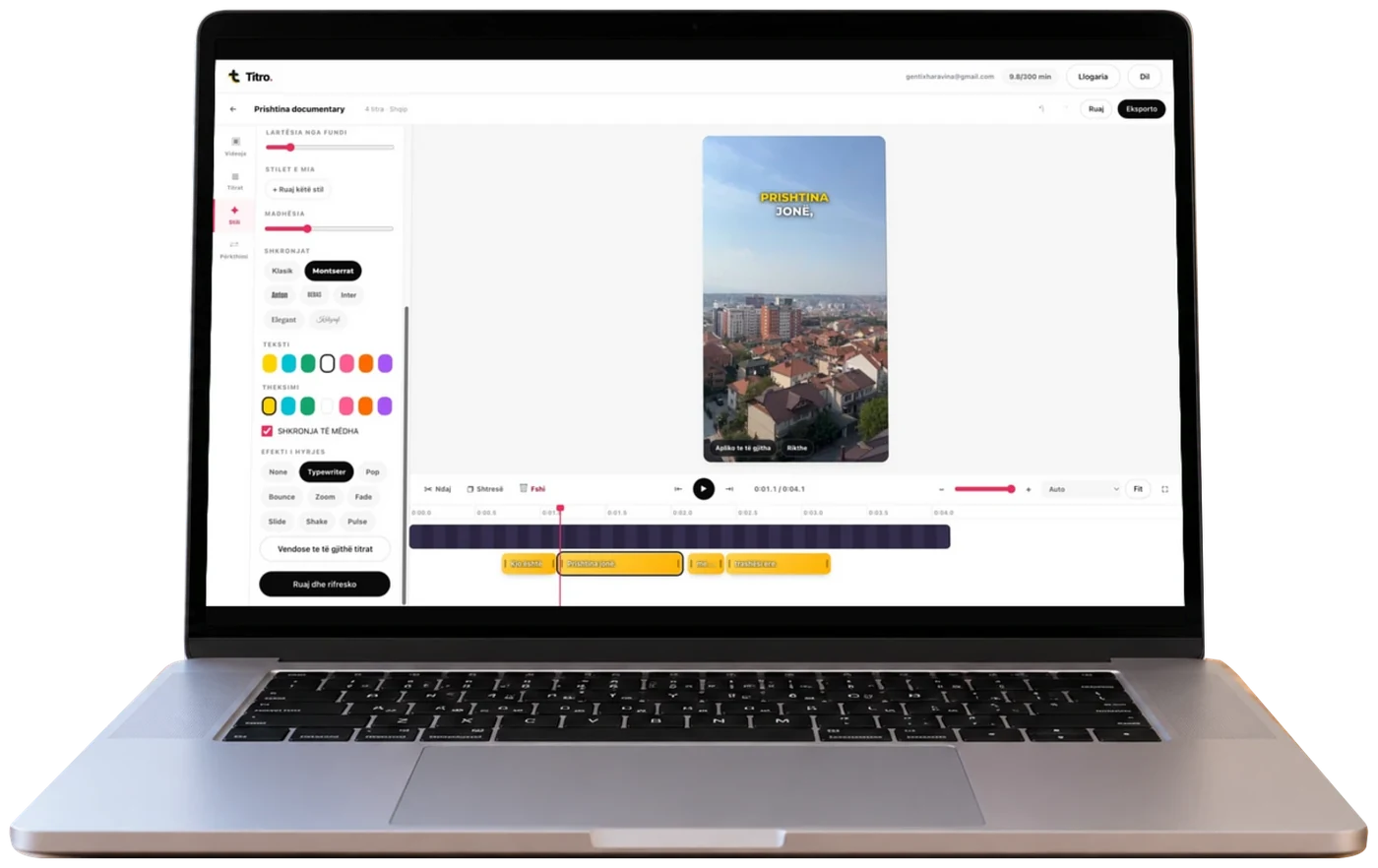
Export the video with English subtitles burned in, at up to 1080p. Titro Studio also gives you the English .srt and the original-language .srt.
Your first video is free up to three minutes, with no card, and the export carries a small Titro mark. Translated minutes count double on the plans: a five-minute video translated into English uses ten minutes. Creator is €4.99 a month for 300 minutes with files up to 60 minutes, and Studio is €29 a month for 3,000 minutes under fair use with files up to 180 minutes.
Burned-in subtitles are part of the picture and survive every download and repost, which suits social media and family groups. An .srt is a separate track that YouTube, video editors and players can switch on and off, which suits long videos. You get both from the same project. The file side is explained on the SRT file generator page.
If there is no picture, such as an interview, a voice message or a lecture recording, upload the audio file and you get an English transcript and an .srt instead of a captioned video. The audio workflow is on transcribe audio to text.
Plain speech translates well: explanations, news, instructions, a message to the family. Read jokes, idioms and anything sarcastic more carefully, and look at every name. The translation sits in the same editor as any other subtitle, so a better phrase is one tap away. In Titro Studio the original language stays visible next to the English while you check.
Albanian is where Titro is strongest: Gheg and Tosk are both recognised, and the details are on Albanian to English video translation. Titro also translates from English into Albanian, German, Italian, French or Turkish, and between any two of the six, one direction at a time, as described on the video subtitle translator page.

Albanian, German, Italian, French, Turkish and Chinese speech. Other spoken languages, such as Spanish, Arabic or Hindi, are not supported.
No. Upload the video or audio file from your phone or computer.
No. The English appears as subtitles. The original voice stays as recorded.
Your first video is free up to three minutes, with no card and a small Titro mark. After that, plans start at €4.99 a month, and translated minutes count double.
Yes. Titro Studio gives you the English .srt and the original .srt from the same project.
Yes. Upload an audio file and you get an English transcript and an .srt.
Up to 60 minutes on Creator and up to 180 minutes on Studio.
Choose the spoken language, set English, and check the subtitles before you export.