Titro
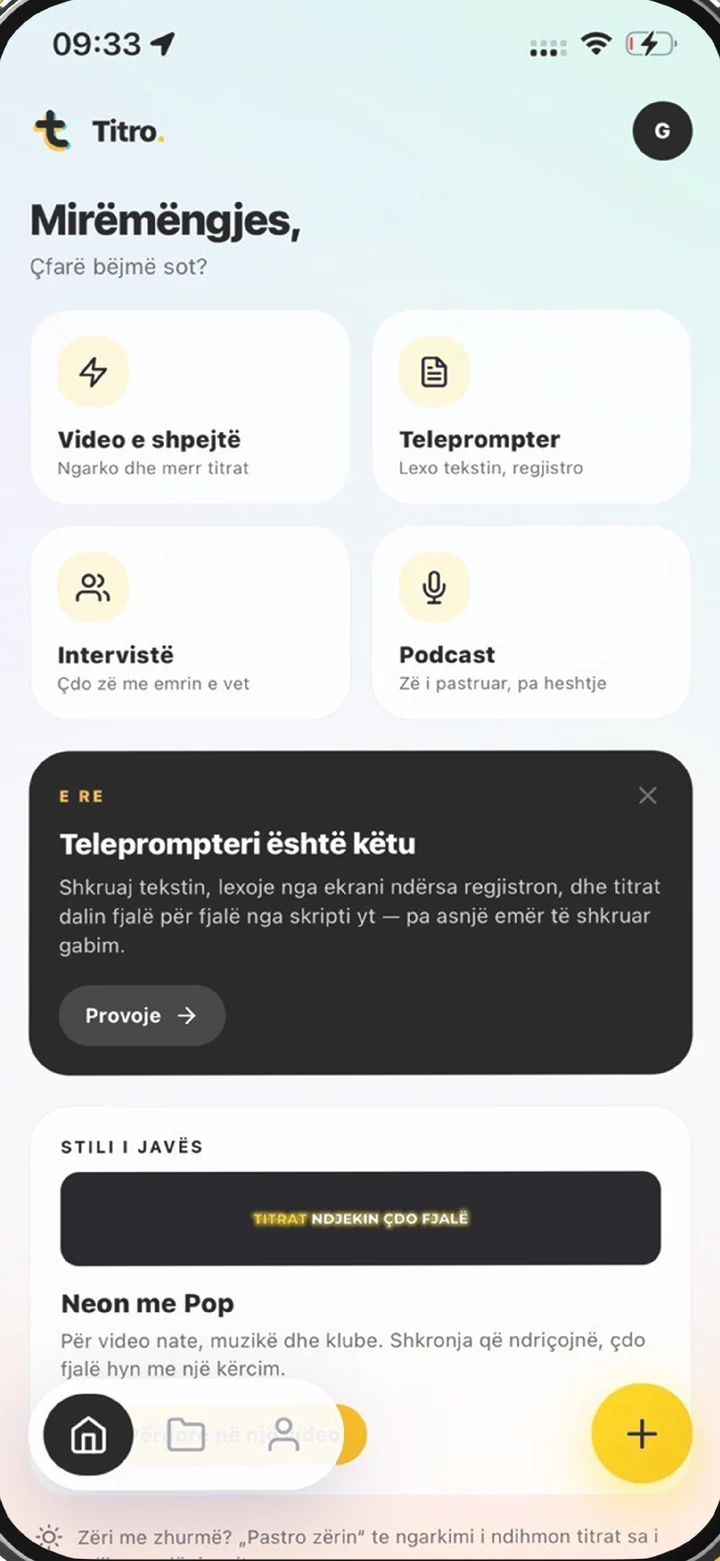
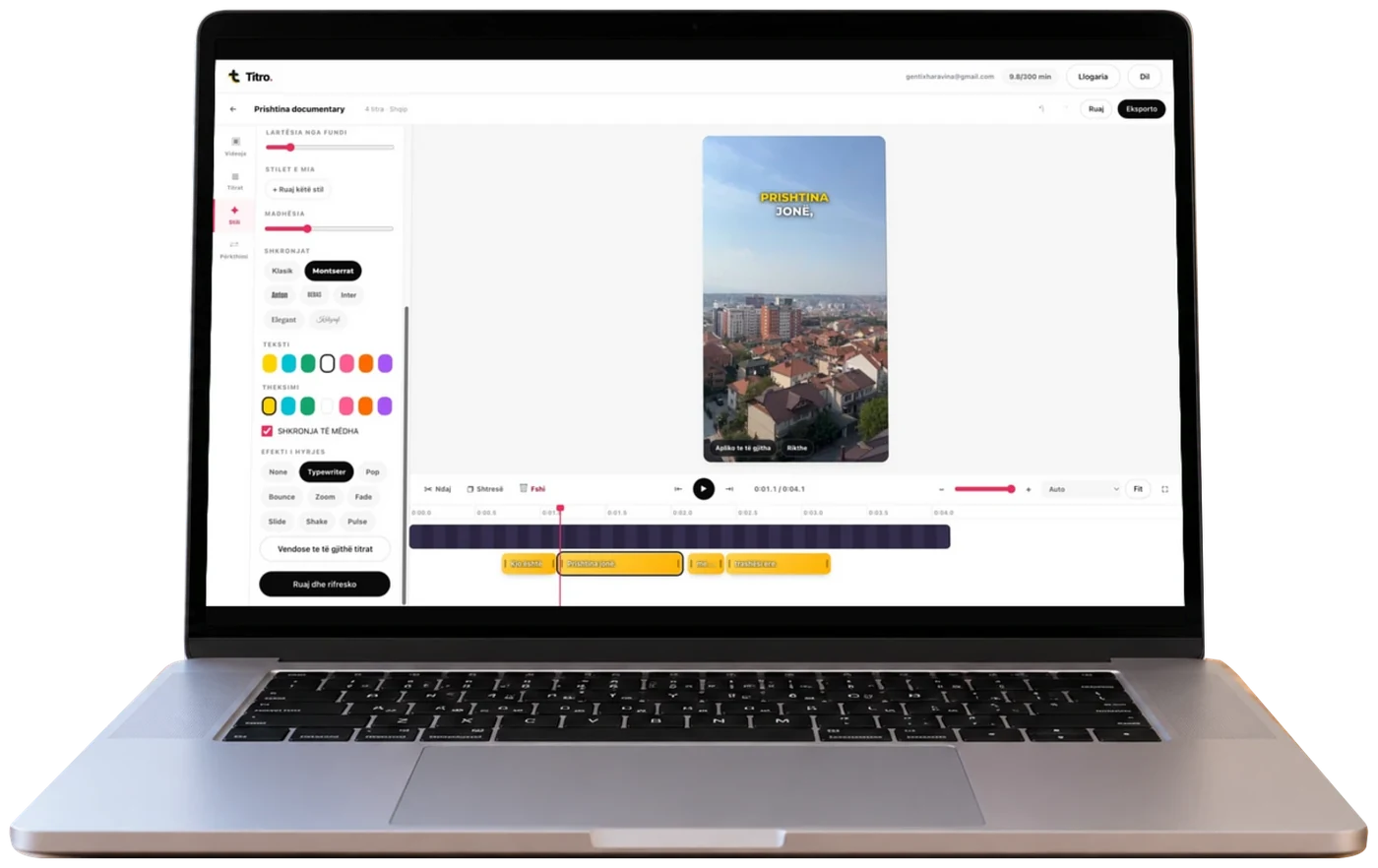
Runs on: iPhone and Android, plus a free online teleprompter in any browser. Price: free to install; the first video is free up to three minutes with a small Titro mark, then Creator is €4.99 a month for 300 minutes. The browser prompter is free with no account. Best for: talking videos that need captions. The script scrolls under the front camera at 60 to 260 words per minute, with a countdown and a camera flip, and the take is saved to your gallery. The captions follow what you actually said, while the script makes names and terms come out spelled your way, in Albanian, English, German, Italian, French or Turkish. Not for: voice scrolling, remotes or a desktop app; captioned exports are up to 1080p. Details per device: iPhone and Android.
Teleprompter.com
Runs on: iOS, Android, macOS and the web, on one subscription. Price: a free Starter plan that records with a watermark and exports at 1080p; Pro is $19.99 a month, or $7.50 a month billed yearly, and records in 4K without a watermark. Best for: one prompter across phone, Mac and browser, with remote control on the free plan and voice-activated scrolling and subtitle generation in the feature list.
BIGVU
Runs on: iPhone and iPad, Android and the web. Price: a free plan with the teleprompter and AI scripts; Starter is $12 a month or $149 a year, AI Pro $19 a month. Recordings can be up to 9 minutes on Free and Starter and 59 minutes on AI Pro. Best for: creators who want a prompter, automatic captions and AI video tools in one app, with a floating prompter on Android.
PromptSmart Pro
Runs on: iPhone and iPad, and Android. Price: $29.99 on the US App Store, with an optional Extended subscription that adds the remote control. Best for: voice scrolling. VoiceTrack follows your speech, holds your place when you go off-script and works without an internet connection; the App Store listing says it is English only. Selfie Mode records HD video with the text next to the camera.
Teleprompter Pro
Formerly Teleprompter Premium, by Teleprompter Apps Ltd. Runs on: iPhone, iPad, Apple Watch and Apple Vision. Price: free with in-app purchases; the Pro upgrade is a one-time purchase or a subscription. Best for: rigs and remotes on an iPad. Pro records video, mirrors text for beam-splitter glass, shows the script full screen on an external display or AirPlay, takes keyboards, handheld remotes and game controllers, and imports PDF, Word and PowerPoint files. For the browser alternative on an iPad, see teleprompter for iPad.
Elegant Teleprompter
Runs on: Android. Price: free with ads; a paid Pro version removes the ads and adds .docx import. Best for: Android users who want to keep their own camera app. Its floating window sits over any other app, so you can read while recording or live streaming, and it mirrors text and supports a Bluetooth remote.
Speakflow
Runs on: the browser, with free iOS and Android apps; Mac and Windows desktop apps come with paid plans. Price: a free plan with 10 minutes a month of Flow voice scrolling; Plus is $15 a month billed yearly, with unlimited Flow and scrolling synced across devices. Best for: presenters who want voice scrolling on a computer and scrolling synced between devices, and teams that write scripts together (real-time collaboration starts on Premium, $35 a month billed yearly). On Windows and Mac, compare it with the options on teleprompter for Windows and teleprompter for Mac.
CuePrompter
Runs on: any browser. Price: free for commercial and non-commercial use, with no watermarks and no limits. Best for: a free autocue on a laptop or under a rig. It sets the speed, mirrors text for glass, and offers big or small text in three colour themes. It does not record; you film with your own camera. Titro’s online teleprompter is the same kind of tool, with speed in words per minute and keyboard controls.