Ask anyone who has captioned a video by hand and you will hear a number close to an hour for three minutes of talking. That sounds like an exaggeration until you add up the parts.
Where the hour goes
Take a three-minute talking video. At a normal speaking pace of around 150 words a minute, that is roughly 450 words. Here is a fair estimate of what it takes to turn them into subtitles by hand:
| Step | Rough time |
|---|---|
| Typing 450 words while pausing and replaying the audio | 15–20 minutes |
| Splitting the text into 80 to 100 short caption lines | about 10 minutes |
| Setting the start and end of every line against the audio | 20–25 minutes |
| Watching it back and fixing typos and timing | about 10 minutes |
| Total | about an hour |
None of it is hard. It is just slow, and it starts from zero with every new video.
What happens in the twenty seconds
With Titro, the listening and the typing happen on our servers. A short clip usually comes back in about twenty seconds. A long podcast takes longer, because there is more speech to listen to. Once the upload has finished you can close the app, and Titro sends a notification when the video is ready.
Step by step
- 1
Upload
Pick the video from your phone or computer. Choose how many words show at once (Fast is one or two, Medium three or four, Long up to about two lines), the spoken language or Auto, whether to translate, and whether the audio needs cleaning up.
- 2
Wait
Titro cleans the audio if you asked it to, writes down every word with its own timestamp, and builds the caption lines.
- 3
Check
The editor opens with the subtitles already on the video. Tap a word to fix it, drag a caption’s edges on the timeline to retime it, or split one in two.
- 4
Style
Pick one of the eight styles or build your own, and save it so your next video starts with it.
- 5
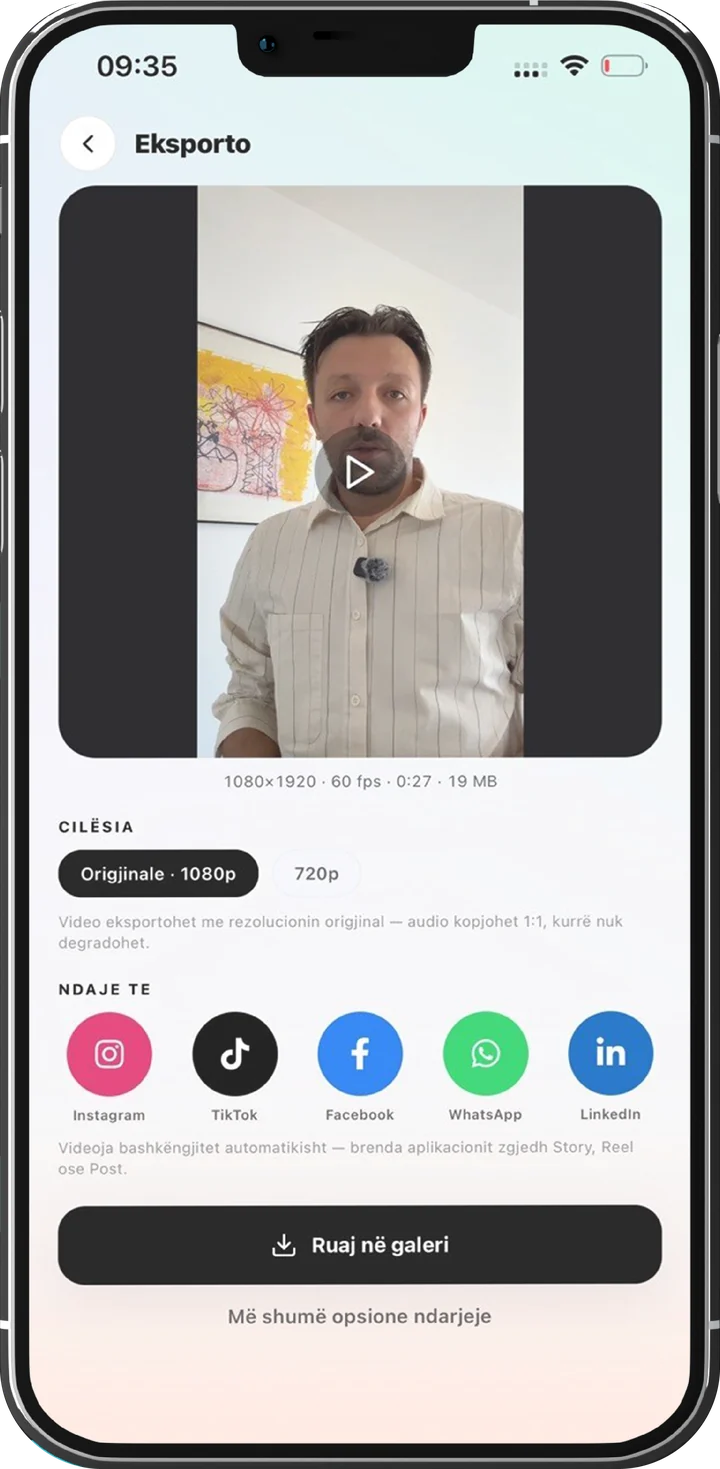
Export
Titro burns the subtitles in at the video’s original resolution and copies the audio untouched. Save it to your phone or share it straight to Instagram, TikTok, Facebook, WhatsApp or LinkedIn.
The part that is still yours
Automatic doesn’t mean unattended. On clean audio most of the text comes out ready, but a name, a slang word or a mumbled line can still need a fix. That check takes a minute or two instead of an hour, and it is the part worth doing yourself, because you know what you meant.
Two things shrink it further. The personal dictionary remembers the names you keep correcting, and the teleprompter skips transcription altogether, because the words come from your script.
So, sixty minutes or twenty seconds?
Twenty seconds for the machine, a minute or two for you, and the hour back for the next video. Try it on your next clip. The first one is free.

